"Manage your backlinks" sounds like one task. It's really four, and they barely overlap: knowing which links you have, watching those links so you catch it when one dies, auditing the occasional bad link, and recovering the good ones that disappear. Most guides blur these together into a single anxious chore, usually with a big red "toxic links" button in the middle. That framing sells tools; it doesn't match what moves the needle.
So this page is a map, not a lecture. I'll lay out the four jobs, tell you which matter for a site like yours, and hand you off to the deep-dive for each one rather than half-teach all of them here. I build the monitoring kind of tool, so you'll see where I've got a stake — it's one clearly-marked section near the end, and you can weigh it accordingly.
What Google actually thinks about "managing" links
Start here, because it kills half the busywork before you begin. If "managing backlinks" in your head means hunting down scary-looking links and disavowing them, Google is quietly telling you to stop. Its own disavow documentation is blunt: "most sites will not need to use this tool," it calls the feature "advanced," and it warns that misuse "can potentially harm your site's performance in Google Search results" (Google Search Console Help).
Google's John Mueller put it more memorably on Bluesky in March 2026: "The disavow file is a tool, not a religion :-)" His wider point, paraphrasing, was that most sites don't need it, though a few legitimately do (Search Engine Journal, March 2026). So the anxious version of link management (policing your profile for toxins) is mostly wasted effort and occasionally a self-inflicted wound. The management that pays off is the quiet kind: keeping the good links you already earned from silently dying. That's the lens for everything below.
The four jobs, and where to go deep on each
Here's the whole terrain in one view, then a short section on each.
| Job | What it answers | How often | Who needs it |
|---|---|---|---|
| Know what you have | Who links to me? | Once, then occasionally | Everyone |
| Monitor what you have | Did a link die or change? | Ongoing | Links worth money |
| Audit toxicity | Any toxic links? | Rarely, if ever | Manual action / bought spam |
| Recover what you lost | How to get it back? | As needed | Paid placements |
1. Know what you have
Before the tooling question: you cannot build this list out of Google search itself. The operator people reach for was retired, and the quoted searches that replace it find pages that mention you rather than pages that link to you — what a Google search can and cannot prove about a backlink.
You can't manage a list you don't have. The free, authoritative starting point is Google's own record: the Links report in Search Console gives you who links to you, exported to CSV, for nothing. It has real blind spots (it samples, caps at 1,000 rows, and won't tell you dofollow from nofollow), which I walk through in how to check backlinks in Google Search Console. That's step one for almost everyone, and for many small sites it's also the last step.
If you're trying to work out which kind of tool the phrase "backlink manager" even refers to — a monitor, an audit, or an outreach CRM — I untangled the three-way muddle in what is a backlink manager. Read that before you buy anything sold under the label; vendors pin the same term on three unrelated product types, each with its own price tag.
2. Monitor what you have
This is the always-on job and, for anyone whose links cost real money, the one that matters most. Links rot. Ahrefs' 2024 link-rot study, across roughly two million sites, found 66.5% of links decay over time (Ahrefs, 2024). A donor rebuilds their site, an editor strips your link in a content refresh, a dofollow quietly flips to nofollow, an anchor gets rewritten. None of that pings you. You find out by accident, usually after the traffic's gone.
Monitoring is watching the links you already have and getting told the hour one changes. The full workflow — what to watch for, how often, what an alert should do — is in how to monitor your backlinks. If you only ever do one active-management job, make it this one.
3. Audit toxicity (only if you actually need to)
This is the job the industry oversells. A toxicity audit scores your referring domains for spam signals and, if warranted, produces a disavow file. Semrush's Backlink Audit is the best-known version, scoring links across 45 markers; I pulled apart what that number means and doesn't in the Semrush backlink audit, explained.
Here's the de-fearmongering part: Google's SpamBrain already nullifies most spam links automatically, at no cost to you, so a high "toxicity score" is usually a suspicion meter, not a damage report. I covered why a scary red number rarely means what you fear in what is a toxic backlink. Genuine cases for disavowing, like a manual action for unnatural links or a spam profile you knowingly built, are narrow. If you land in one of them, do it carefully with the disavow file checklist so you don't strip out a link that was quietly helping you. For most sites, this whole job is "run it once, confirm you're fine, move on."
4. Recover what you lost
The flip side of monitoring: once you know a link died, you go get it back. This is where management turns into a few polite emails rather than a subscription. For a link you paid for, there's a specific playbook — when it's the publisher's fault, when it's a migration, what leverage you have — in how to recover a lost paid backlink. And because the outreach is the part people freeze on, there are copy-paste starting points in backlink recovery email templates. Recovery is the highest-ROI job on this page and the one most people skip, because they never noticed the link was gone — which is exactly why job two comes first.
Running it on a cadence
These four jobs aren't a one-time cleanse; the useful ones repeat. Rather than reinvent a routine, the quarterly backlink audit checklist folds "pull the list, skim for junk, catch what's gone, recover what matters" into a schedule you can actually keep. Quarterly is plenty for most sites; monitoring fills the gaps in between.
Who actually needs to do this — and who's over-engineering it
Be honest about which bucket you're in, because the wrong amount of management is a cost either way.
Small site, a handful of links, nothing paid: don't bother with active management. Google auto-handles trust, disavow is an edge case you'll likely never hit, and a free Search Console check now and then covers you. A dedicated tool here is solving a problem you don't have yet. Skimming your list quarterly is the entire job.
A profile you invested in — links you earned or paid for: this is where monitoring earns its keep. The more you've built, the more quietly leaks away, and a paid link that flips to nofollow or 404s is money you're no longer getting. Watch it, and keep the recovery templates handy for when something breaks. The toxicity audit stays a once-a-year glance unless something's genuinely wrong.
An agency running many clients' profiles: different scale, partly different tooling. You're managing pipelines, retention reporting, and outreach relationships across dozens of sites, so the outreach-CRM category exists for a reason. The four jobs are the same; the volume changes which tools you standardize on.
The honest test for any of it: if one of your links vanished tomorrow, would you notice, and would it matter? Two yeses mean you want something managing them. A no anywhere means keep the subscription in your pocket.
Where LinkGuard fits (the interested part)
Disclosure, because this is the section where I've got skin in the game: I build LinkGuard, and it does exactly one of the four jobs above — monitoring. It watches the links you've already earned and tells you when one dies, gets deindexed, flips to nofollow, or has its anchor quietly changed, across whatever donors you point it at. It's a watchman, not a crawler or a salesperson.
What it deliberately does not do: it doesn't discover new backlinks (it can only see the links you tell it about), it doesn't run outreach, and it doesn't score toxicity — there's no 0–100 AI number here, just rule-based heuristics on the signals that matter for keeping a link alive. If the job you need is the toxicity-and-disavow sweep, that's Semrush's turf, not ours. If you just want to size up a single donor before you chase a link, the free donor trust audit and backlink health snapshot run with no signup, and the fuller picture of the monitoring job lives on the backlink manager page.
None of this manufactures rankings. Monitoring catches loss; it doesn't invent authority. But a link you don't know you lost is a link you can't go recover — and that's the whole case for watching the ones you can't afford to lose.
Questions people ask
What does "backlink management" mean?
It's an umbrella phrase for four separate jobs: knowing which backlinks you have (usually via Search Console), monitoring them so you catch losses and changes, auditing the rare toxic link and disavowing if truly needed, and recovering good links that disappear. Most sites only actively do the monitoring and recovery parts; the toxicity audit is a once-in-a-while glance, and small sites can skip active management entirely.
Do I need to manage or disavow my backlinks for Google?
No. Google's own guidance says most sites will never need the disavow tool and warns it can harm your site if used carelessly. John Mueller has called disavow "a tool, not a religion," adding that most sites don't need it. Actively policing your profile for toxic links is rarely necessary; watching that the good links survive is the far more useful habit.
How often should I check my backlinks?
For a small, low-stakes profile, a quarterly skim of your Search Console export is plenty — a quarterly backlink audit checklist folds it into a routine. Once your links are worth real money, checking quarterly isn't enough on its own, because a link can die the day after you look; that gap is what ongoing monitoring fills between your manual reviews.
What's the difference between monitoring and auditing backlinks?
Auditing asks "is anything bad pointing at me?" — a question you can usually answer once and largely stop worrying about, because Google already ignores most spam. Monitoring asks "are the good links I earned still there?" — a question with a new answer every week, because links rot, editors refresh pages, and publishers change placements. Most sites need the monitoring far more often than they'll ever need to disavow anything.
What's the single most important backlink-management task?
Not losing the good links you already have. Ranking value comes from the links you earned; the quiet erosion of that profile (a 2024 Ahrefs study found 66.5% of links rot over time) costs more sites more traffic than any toxic link ever will. Catch the losses, then recover the ones that mattered. Everything else in "management" is secondary to that.
The short version
"Backlink management" is four jobs, not one: know what you have, monitor it, audit toxicity only if you truly must, and recover what you lose. Google doesn't want most sites policing or disavowing links, so the management that matters is keeping the good links you already earned. Small site: skim your Search Console list quarterly and move on. A profile you've invested in: watch it, and be ready to chase back what breaks. If you'd rather just be told the morning one of your hard-won links goes dark, start free with 1,000 free tokens (~83 checks), no card, and point LinkGuard at the links you can't afford to lose.
About the Author

Related Articles

Link juice and link equity: what actually passes through a link
Google's documentation says PageRank is still part of its core ranking systems. The arithmetic everyone teaches for it was last restated by a Google employee in 2009, inside his own disclaimer. Both of those are on the record.
A ranking dropped: what to rule out, in order
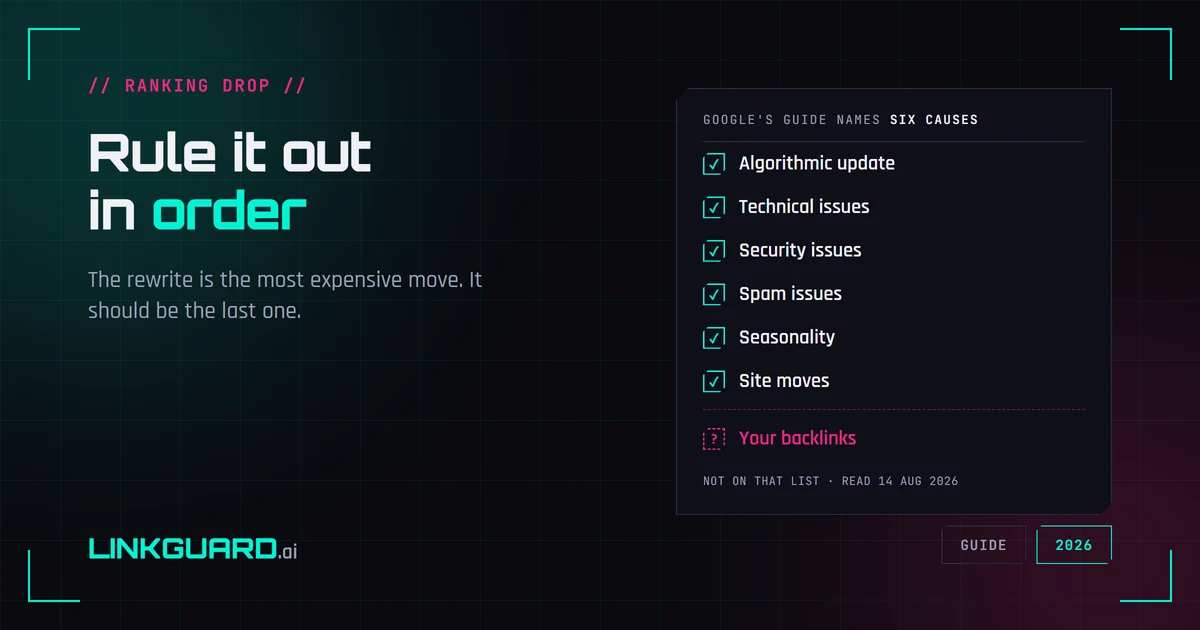
Google publishes a debugging guide for Search traffic drops. It names six causes, and backlinks aren't among them — the word doesn't appear on the page. That's not an oversight, it's a boundary: the guide covers Google's side of the glass. Here's the full elimination order, from measurement artifacts to the box almost nobody opens, with the rewrite saved for last.
Why your SERP position is three different numbers
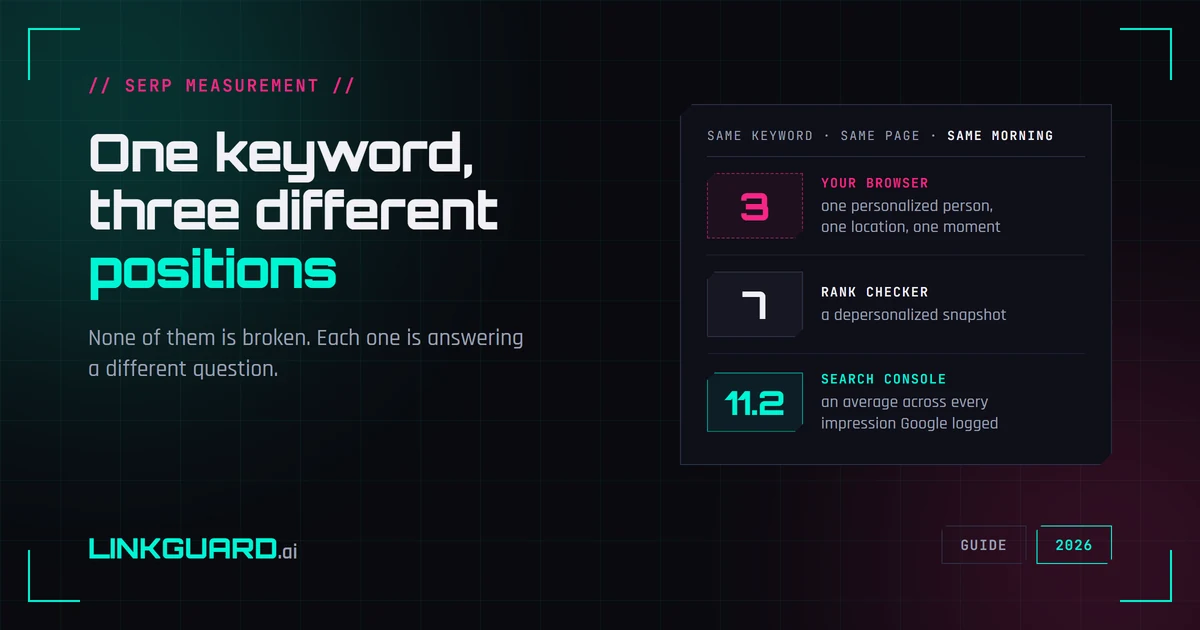
Your browser puts you third. Your rank tracker says seven. Search Console says 11.2. Same keyword, same page, same morning — and none of the three is broken. They answer different questions, and Google documents most of the difference itself. What each number measures, two things I checked live this week that contradict the standard advice, and the one figure worth putting in a client report.