You want to know who links to your site, and you don't want to pay $129 a month to find out. Good news: Google already keeps that list, and it'll hand it to you for free. Most people never find the report, or they find it and don't realise how much of the picture it's quietly leaving out.
So this is two things at once. A plain walkthrough of how to pull your backlinks out of Google Search Console — the exact menu clicks, the three reports, how to export the list. And an honest map of where GSC stops, because the gaps are the reason half the SEO industry sells link tools on top of a free Google feature. By the end you'll know how to read your link profile in GSC and, just as useful, when GSC is all you need.
One disclosure up front: I build a backlink monitoring tool, so treat my "where GSC runs out of road" section with healthy suspicion. GSC is free and good. For a lot of people it's enough, and I'll say exactly when that's true before I tell you where a tool like mine starts to earn its keep.
How to check your backlinks in Google Search Console
Open Google Search Console, pick your property, then click "Links" in the left sidebar. Your backlinks are under "External links" — the three reports are Top linked pages, Top linking sites, and Top linking text. To save the list, hit "Export External Links." That's the whole path. If you've verified your site in GSC, the data's already sitting there.
The Links report splits into two halves, and this catches people out, so read it slowly. External links are the backlinks — other sites pointing at you. Internal links are just your own pages linking to each other. Only the external side is your backlink profile. The internal report is handy for site structure, but it is not who-links-to-me, so don't screenshot it for your client and call it backlinks. (I've seen it happen.)
What the three reports actually tell you
The three External-links reports answer three questions: Top linking sites (who links to you), Top linked pages (which of your pages get linked), and Top linking text (the anchor text others use). Each view answers a different question.
Top linking sites is the one you'll open most — the domains that link to you, ranked by how many links each points your way. This is your answer to "who links to me." Top linked pages flips it around: which of your pages attract the most links. Useful for spotting your link magnets, and for noticing when a page you care about has none.
Then Top linking text, which shows the anchor text other sites use, grouped by the exact words and sorted by frequency. It's a rough read on your anchor profile — if "cheap payday loans" is somehow your third-most-common anchor and you sell accounting software, that's worth a look. Just know its limit: it groups anchors by text across your whole site, so it won't tell you which anchor came from which page. For that finer-grained read you'll want a dedicated GSC anchor text analyzer.
You can drill in, too. Click a linking site and GSC shows which of your pages it links to; click through again and you'll see the specific backlinks from that site to that page. It's more navigable than people expect.
Exporting your backlinks (and the 1,000-row wall)
On the External links view there's an Export External Links button. It hands you a CSV or pushes straight to Google Sheets. Fine for a small site.
Here's the catch nobody mentions: the tables cap at 1,000 rows. Google says it outright in its Links report documentation — "tables are limited to 1,000 rows, so tables may be truncated." If you have more than a thousand linking pages, your export is a sample, not the whole thing, and Google won't flag which thousand you got.
There's a partial escape: a separate "more sample links" export goes up to 100,000 rows for sites with big link counts. Still sampled, still not exhaustive — but enough for almost anyone reading this. The point to sit with is that GSC's backlink list is, by Google's own description, a sample. It's the most authoritative free source there is, and it's incomplete by design.
Why you ended up in Search Console
Most people arrive here after trying to ask Google directly and getting nowhere. There is no search operator that returns your inbound links, so the Links report below is the real version of what you were attempting — we tested the workarounds and wrote up what each one actually returns in how to check a backlink in Google search.
GSC isn't your only free source
One source people reach for first and shouldn't: what Google Analytics does and doesn't add — it has no backlink report at all, only referral sessions.
Worth saying, since I'd rather not oversell the gap: Google Search Console isn't the only place to see your links for nothing. Ahrefs Webmaster Tools is free for sites you verify, and it'll surface more of your own backlink profile than GSC does, with link metrics on top. The catch is you can only run it on sites you own. Bing Webmaster Tools keeps its own links report too, built on Bing's index rather than Google's, so it sometimes shows links GSC never reported. Stack two or three of these free sources and you get a fuller list than any single one hands you.
And if your backlinks aren't showing in GSC at all, it's usually one of two things: the property isn't fully verified yet, or Google simply hasn't crawled the linking page since it went up. New links can take weeks to surface. Neither is a bug; it's the slow, sampled nature of the report. What none of these free sources do, though, is tell you when a link changes — which is the gap the next section is about.
The 3 things GSC won't show you
This is where the free tool stops, and where you should know what you're not getting. Three blind spots, in order of how much they bite.
1. When a link disappears or changes. This is the big one. GSC lists links it has "found over time" — and as Google notes, some of those "may have since been removed," with no mark for which and no date for when. So GSC will happily show you a backlink that died three months ago, and it'll never ping you when a live one goes dark, gets redirected, or has its anchor rewritten. There's no alert, no "lost links" view, no diff against last month. That gap is why the Links report can't date a loss, and dating a loss is the whole game when a page slips — how to rule out a ranking drop when GSC can't date the loss walks the rest of it. You find out by accident, usually after the traffic's gone.
2. Whether a link is dofollow or nofollow. Straight from Google's doc: "the report doesn't specify if a link is marked as nofollow." So you can see that example.com links to you, but not whether that link passes any equity. For a profile where you've paid for placements, that's a meaningful gap. A publisher can switch your hard-won dofollow to nofollow and GSC stays silent. (We wrote about catching that exact move in whether the page your backlinks point to is even indexed, which is a related blind spot.)
3. The full history, or a live view. GSC gives you a snapshot of what Google knows today, refreshed on its own slow schedule (new and lost links can take weeks to surface), with no time-series to show how your profile is trending. You can't ask it "what changed since last quarter." It simply isn't built for that question.
So is GSC enough? Often, yes.
Let me be honest about my own bias here, because this is where I'm supposed to scare you into a subscription. If you have a small profile and you check it now and then, GSC plus a spreadsheet is enough. Don't pay for monitoring you don't need. Export the list, skim it quarterly, fold it into a routine like the quarterly backlink audit checklist, and you've covered the basics for free. Plenty of sites never need more than that.
Where it stops being enough is when the links start to matter financially — you've paid for placements, you're running outreach, a client is judging you on link retention — and the "GSC won't tell you when one dies" gap turns into real lost money. At that point the job changes from checking a list to watching it. That's not capability GSC lacks by accident; it's just a different tool's job.
That's the honest bridge to what I build. GSC hands you the list of who links to you, once. The 1,000-row CSV is the natural handoff point: export it, and import it into LinkGuard to watch those links for the changes GSC stays quiet about — removals, nofollow flips, redirects, anchor edits. We don't find links GSC misses; we don't run a web index. We watch the list you already have and tell you the hour one of them moves. For the "is this link still indexed" question you can also just run the free backlink index checker, or catch links GSC won't tell you died — no signup.
If what you really want is a paid audit-and-toxicity sweep rather than ongoing monitoring, that's a third thing again, and I compared the free GSC route against it in GSC versus a paid audit tool.
Frequently asked questions
Does Google Search Console show all my backlinks?
No. The Links report shows a sample of the links Google has found, and the tables cap at 1,000 rows in the interface and standard export. A separate "more sample links" export reaches up to 100,000 rows, but it's still a sample, not a complete list. It is, however, Google's own record — the most authoritative free source you'll get.
How do I see who links to my website for free?
In Google Search Console, click Links in the left sidebar, then look under External links at "Top linking sites." That's the ranked list of domains pointing at you. Export it with the "Export External Links" button as a CSV or Google Sheet.
Does Google Search Console tell me when a backlink is removed?
No. GSC lists links it found over time, and some may already be gone, but it doesn't mark which ones or when, and it never alerts you. There's no "lost links" report. To know promptly when a link disappears, you need a monitoring tool that re-checks your links on a schedule.
Can GSC tell dofollow from nofollow links?
No. Google's documentation states the Links report "doesn't specify if a link is marked as nofollow." You can see that a site links to you, but not whether the link passes equity — so a publisher quietly switching your dofollow to nofollow won't show up here.
How often does Google Search Console update backlinks?
On its own batch schedule, and slowly for links specifically — new and removed backlinks can take weeks to months to appear. It's not real-time, and there's no trend view to show how your profile changes over time.
The short version
Links → External links → Top linking sites, then export. That's your backlink profile, free and from Google itself. Just remember what it can't do: it won't tell you when a link dies, whether it's followed, or show you the full list past its sample cap. For a small site checked occasionally, that's fine — genuinely. When the links start paying your bills, that's when watching them, rather than checking them, starts to matter. Start free with 1,000 tokens and import your GSC export when you're ready.
About the Author

Related Articles

Link juice and link equity: what actually passes through a link
Google's documentation says PageRank is still part of its core ranking systems. The arithmetic everyone teaches for it was last restated by a Google employee in 2009, inside his own disclaimer. Both of those are on the record.
A ranking dropped: what to rule out, in order
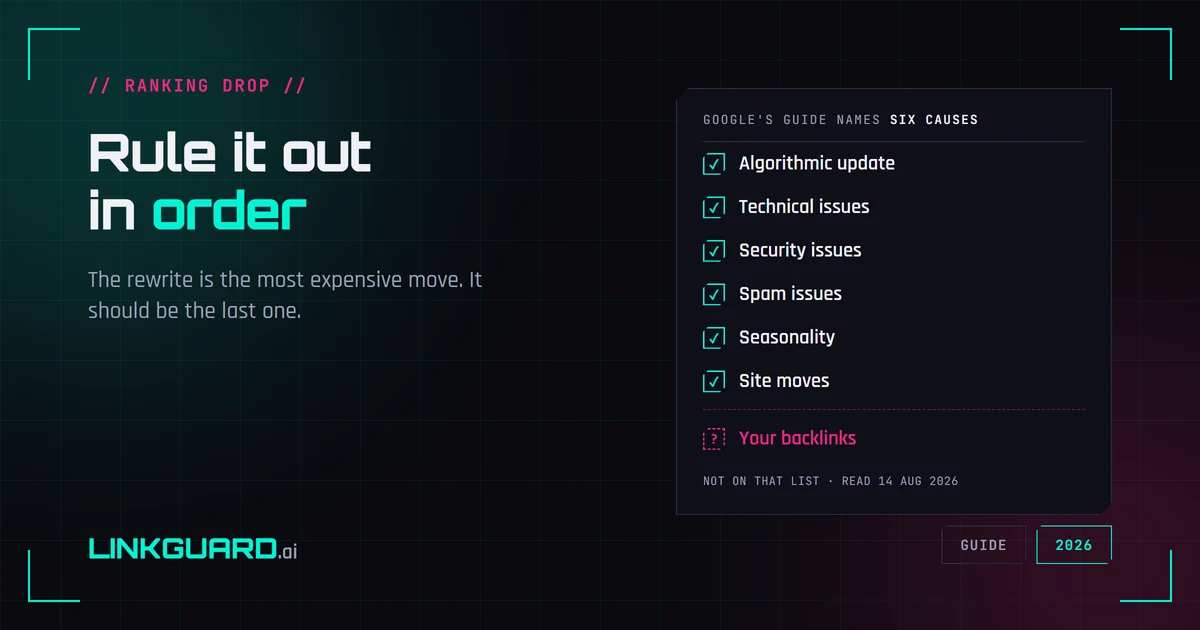
Google publishes a debugging guide for Search traffic drops. It names six causes, and backlinks aren't among them — the word doesn't appear on the page. That's not an oversight, it's a boundary: the guide covers Google's side of the glass. Here's the full elimination order, from measurement artifacts to the box almost nobody opens, with the rewrite saved for last.
Why your SERP position is three different numbers
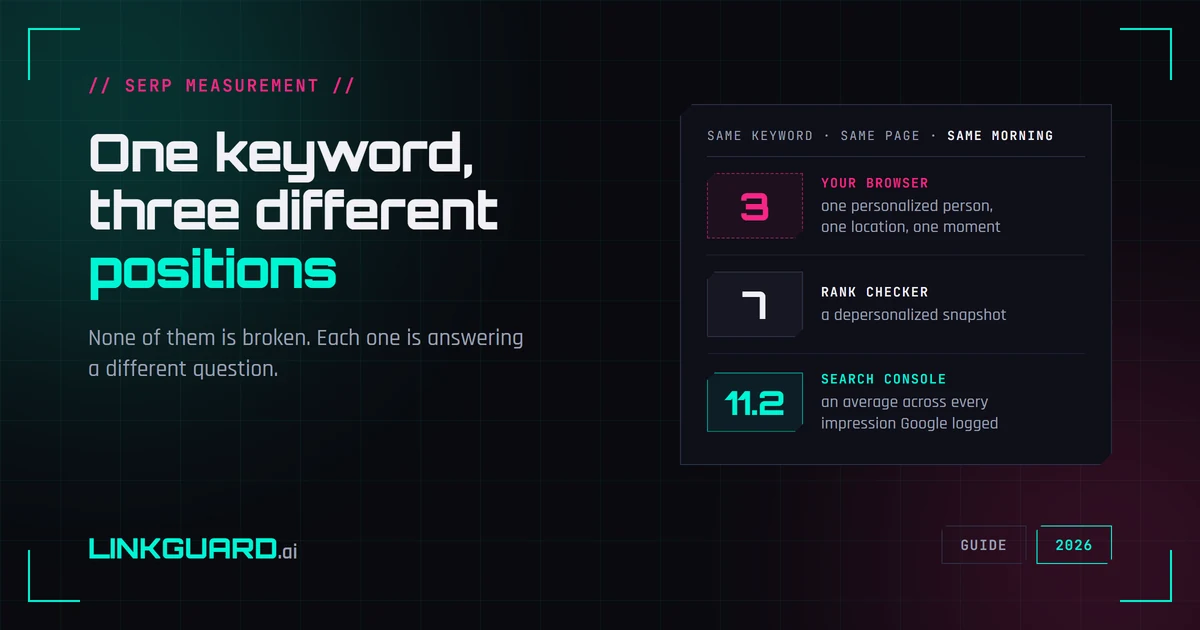
Your browser puts you third. Your rank tracker says seven. Search Console says 11.2. Same keyword, same page, same morning — and none of the three is broken. They answer different questions, and Google documents most of the difference itself. What each number measures, two things I checked live this week that contradict the standard advice, and the one figure worth putting in a client report.