You bought 40 links last year. Maybe 60. Somewhere in a spreadsheet you've got the donors, the anchors, the invoices. Then one Monday your rankings slip, a competitor drops the phrase "toxic backlinks" in a comment thread, and a quiet worry sets in: is something in that profile dragging me down, and would I even know?
That worry is what sends most people to search "semrush backlink audit." Fair instinct. A backlink audit is how you find the spammy, the dead, and the dangerous links pointing at your site, then decide what to do about them. Semrush has the best-known tool for it. It also costs $139.95 a month, and an audit is a one-time cleanup — not the thing that keeps your good links alive afterward.
Full disclosure: I run a backlink monitoring tool (LinkGuard), so I'm not neutral. I'll tell you where we fit and, more usefully, where we don't. This piece covers what a backlink audit checks, exactly what Semrush's Backlink Audit does and what it costs, how to run the same audit free with Google Search Console, and the part audits leave out.
What a backlink audit does
A backlink audit is a point-in-time review of every site linking to yours. You pull your full list of referring domains, flag the spammy or unnatural ones, then disavow the harmful ones so Google ignores them. The goal is a clean, defensible link profile.
Three things usually come out of it. A shortlist of toxic or spam links you might disavow. A list of dead or broken links worth reclaiming. And a gut-check on your anchor text, because an over-optimized anchor profile (the same money keyword, over and over) is a risk in its own right.
Most people run an audit out of fear: a ranking drop, a manual-action scare, a new client whose link history they don't trust. That fear is often overblown (more on that shortly). But running the audit once is still worth it, if only to know what you're holding.
What Semrush's Backlink Audit checks
Credit where it's due: Semrush's Backlink Audit is the most polished version of this workflow. You point it at your domain, it pulls your backlinks from Semrush's own index, and you can connect Google Search Console and Google Analytics to widen the list. Then it scores everything. Worth knowing what Google Analytics actually contributes there, which is less than most people assume.
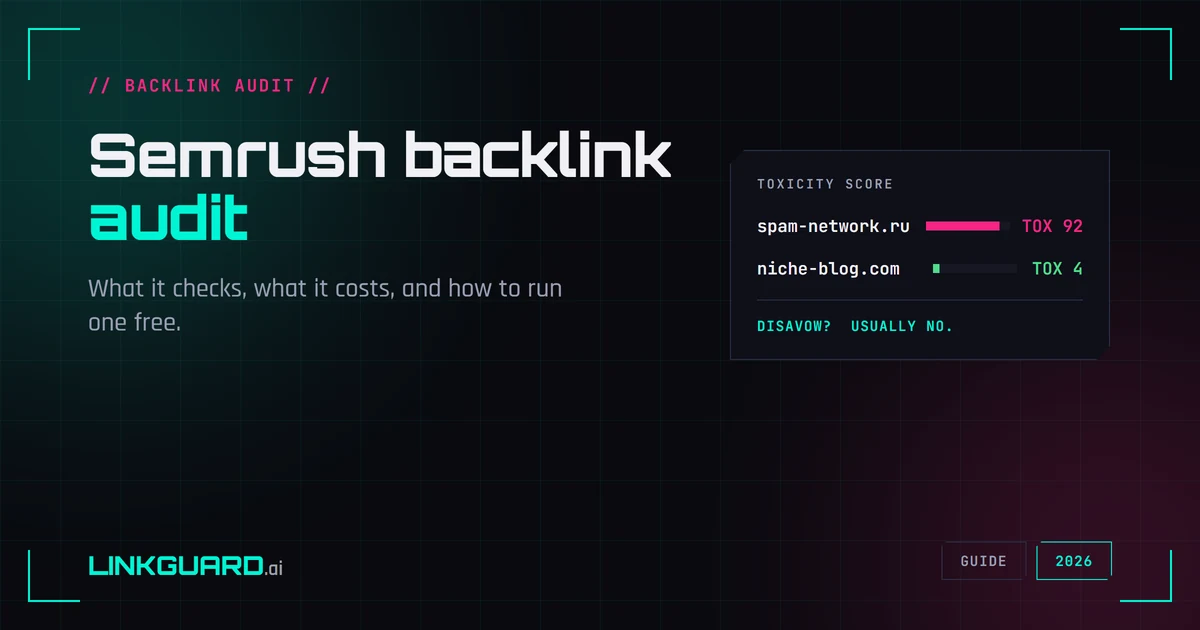
The headline number is the Toxicity Score: every referring domain gets a 0–100 rating built from 45+ "toxic markers" — links from sites Google never indexed, known link networks, mass site-wide footer links, pages flagged for malware, and so on. High score, high suspicion. What that score does and doesn't mean — and why a high one rarely warrants panic — is its own subject, covered in what is a toxic backlink.
From there it's a triage queue. You work through the flagged domains, send the ones you want gone to a disavow list, and Semrush builds the disavow file in the exact format Google expects. Confirm a removal and it recalculates your overall toxicity. It also tracks new and lost links, so a re-audit shows what moved since last time.
It's good software. If you already pay for Semrush, there's no reason to do any of this by hand.
Where to find it in Semrush, and what it costs
People search for this exact step, so here it is: in Semrush, Backlink Audit lives under Projects. Create a project for your domain, open Backlink Audit, and (for a fuller link list) connect Search Console and Analytics. The first crawl runs for a few minutes, then you land in the toxicity queue. For a click-by-click walkthrough of every screen — the setup, reading the score, building the disavow file — follow the step-by-step Semrush audit walkthrough.
The catch is the bill. Backlink Audit isn't sold on its own — it's bundled into Semrush's plans, and the cheapest paid tier, Pro, is $139.95/month (roughly $117/month if you pay for the year). Semrush has nudged prices up over time, so check their current number before you commit. That Pro plan covers far more than backlinks — keyword research, rank tracking, competitor analysis — so if you'll use the suite, the audit rides along free. If the audit is the only reason you're eyeing Semrush, you're paying suite money for a cleanup you might run twice a year.
That's the honest fork in the road. Subscribe if you want the whole toolbox. Skip it if you just need the audit, because you can do the core of it for nothing.
How to run a backlink audit without Semrush (free)
The process, using tools that cost zero:
1. Export your links from Google Search Console. Open Search Console → Links → "Top linking sites" → Export. That's Google's own record of who links to you, and it's the most authoritative free source there is. It's capped and sampled, so it won't be exhaustive, but for a small or mid-size profile it's plenty to work with.
2. Skim for the obvious junk. You're not hand-scoring 45 markers. You're eyeballing for the usual suspects: a link network dropping you a site-wide footer link, irrelevant foreign-language domains, comment-spam pages, anything that reads as auto-generated. Most toxic links are obvious the moment you look.
Free tools handle the tedious parts. Our donor trust audit rates a linking domain on the signals you'd otherwise check one browser tab at a time; the backlink audit score gives a fast read on a profile; and the anchor text checker flags an over-optimized anchor mix. None of them need a signup.
3. Build the disavow file — if it comes to that. Format your list
the way Google wants (one domain:example.com per line). The
disavow file generator does the formatting
for you, or walk the disavow file checklist
line by line. Then read the next section before you upload anything.
Most sites shouldn't disavow at all
Most sites should not disavow at all. Google says it can usually tell which links to trust on its own, so disavowing is the exception, not the default.
This is where audits go sideways. A toxicity score makes every flagged link feel urgent, so people disavow aggressively and cut links Google was already ignoring on its own, for free.
Google's own position, restated by John Mueller as recently as March 2026: the disavow tool still works, but most sites don't need it. Google says it can usually tell which links to trust without your help. Unless you're sitting on a manual action for unnatural links, or you knowingly built or bought a spam profile you're now trying to clean, disavowing tends to do more harm than good — you can strip out a link that was quietly helping.
So treat the disavow file as the rare exception, not the prize at the end of the audit. The real value of the audit isn't the list you delete. It's finally knowing your profile.
An audit is a snapshot. Your links keep moving.
Here's the limit of every backlink audit, Semrush's included: it's a photo, not a video. It tells you the state of your profile today and says nothing about tomorrow.
And links move constantly. A donor redesigns their site and your link vanishes. An
editor swaps your dofollow for a nofollow during a "cleanup."
A page starts returning a 404. A site changes hands and your placement just
disappears. None of that shows up in last quarter's audit. You find out when the
traffic's already gone — if you find out at all.
That ongoing watch is a different job: monitoring, not auditing. It's the job my own tool does, and I'll be straight about the boundary, because it changes what you should search for next.
LinkGuard is not a Semrush replacement for the audit. We don't run our own web index, we don't assign a toxicity score, and we won't surface links you didn't already know about. For the toxicity-and-disavow audit, Semrush or the free GSC method above is the right tool — use it. What we do is watch the links you already have and tell you the hour one changes: removed, nofollowed, redirected, or its anchor edited without a word. The alert often lands while the donor's editor still remembers the change, so a one-line reply can put the link back before it costs you traffic. Monitoring around 190 links runs about $25 a month at our default twice-weekly cadence, and nothing the months you pause. Pay-as-you-go, no monthly lock-in. We lay out the trade-offs both ways on the LinkGuard vs Semrush page.
Semrush audit vs the free method, side by side
Same goal, two routes. The honest trade-off:
| What you get | Semrush Backlink Audit | Free (GSC + free tools) |
|---|---|---|
| Where the links come from | Semrush index + connected GSC / Analytics | Google Search Console export |
| Toxicity scoring | Automated 0–100 per domain | Manual review + free checks |
| Disavow file | Built for you, one click | You format it (a free generator helps) |
| Price | $139.95/mo (Pro plan) | $0 |
| Best for | Already on Semrush, or large profiles | One-off cleanups, small/mid profiles |
So which should you use?
A quick read by situation:
- You already pay for Semrush. Use its Backlink Audit. It's right there, it's thorough, and you've paid for it. No reason to improvise.
- You need a one-off cleanup and don't want a subscription. Run the free GSC method above — for a profile under a few hundred links it gets you most of the way for $0.
- What you're really afraid of is losing the good links, not finding bad ones. That isn't an audit problem. Audit once to get clean, then keep an eye on the profile so the next loss isn't a surprise you discover a month late.
Most people who search "semrush backlink audit" actually have that third problem wearing the second one's clothes. They're worried about their links, and a $140/month suite is a heavy way to answer a worry you can check for free this week, then watch for a few dollars after.
Frequently asked questions
What is a backlink audit?
A backlink audit is a point-in-time review of every site linking to yours. You collect your referring domains, identify spammy or unnatural links, and disavow the genuinely harmful ones so Google ignores them — leaving a cleaner, more defensible link profile. It usually also surfaces dead links worth reclaiming and an over-optimized anchor mix.
How much does Semrush Backlink Audit cost?
It's bundled into Semrush's plans, not sold separately. The cheapest paid plan that includes it is Pro at $139.95/month (around $117/month billed annually, as of mid-2026). Semrush has raised prices over time, so check their current pricing before you commit.
Where is the Backlink Audit tool in Semrush?
It's under Projects. Create a project for your domain, open Backlink Audit, and connect Google Search Console and Google Analytics for a fuller list of links. The first crawl takes a few minutes, then you work through the toxicity queue.
Can I run a backlink audit for free?
Yes. Export your links from Google Search Console (Links → Top linking sites → Export), review them for obvious spam, build a disavow file only if you need one, and submit it in Google's disavow tool. Free tools like a disavow file generator and an anchor text checker handle the tedious parts — no signup required.
Should I disavow toxic backlinks?
Usually no. Google says most sites don't need the disavow tool, because it can normally tell which links to trust on its own. Disavow only if you have a manual action for unnatural links or knowingly built a spam profile. Aggressive disavowing can remove links that were doing you good.
Is LinkGuard an alternative to Semrush Backlink Audit?
Not for the audit itself. LinkGuard doesn't score toxicity or discover new links — for that, use Semrush or the free Google Search Console method. LinkGuard handles the next job: monitoring the backlinks you already have and alerting you the moment one is removed, nofollowed, redirected, or has its anchor changed.
Start with what you can check today
If the worry that brought you here is "is my link profile okay," you can answer most of it this week for free: export from Search Console, skim for junk, and only disavow if Google actually wants you to. Keep Semrush for the full suite if you'll use the rest of it.
Then, when you're done finding out about lost links a month too late, that's our part. Build a disavow file with the free disavow file generator, sanity-check your anchors with the anchor text checker, or see how ongoing monitoring compares on LinkGuard vs Semrush. Starting a portfolio comes with 1,000 free tokens — enough for dozens of checks, no credit card.
About the Author

Related Articles

Link juice and link equity: what actually passes through a link
Google's documentation says PageRank is still part of its core ranking systems. The arithmetic everyone teaches for it was last restated by a Google employee in 2009, inside his own disclaimer. Both of those are on the record.
A ranking dropped: what to rule out, in order
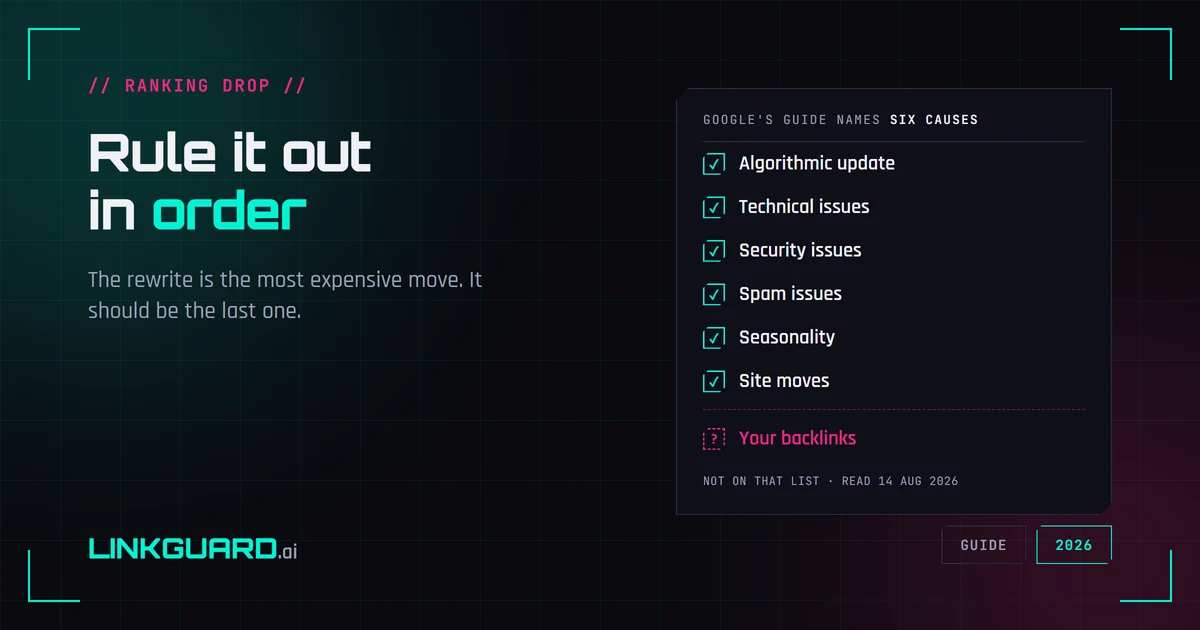
Google publishes a debugging guide for Search traffic drops. It names six causes, and backlinks aren't among them — the word doesn't appear on the page. That's not an oversight, it's a boundary: the guide covers Google's side of the glass. Here's the full elimination order, from measurement artifacts to the box almost nobody opens, with the rewrite saved for last.
Why your SERP position is three different numbers
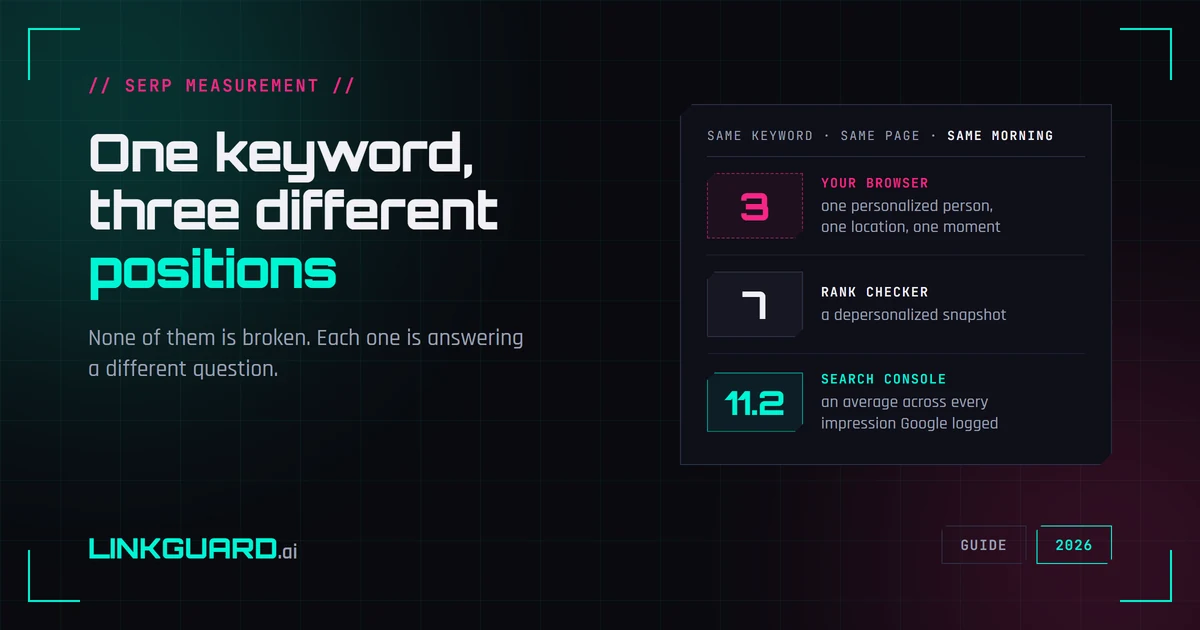
Your browser puts you third. Your rank tracker says seven. Search Console says 11.2. Same keyword, same page, same morning — and none of the three is broken. They answer different questions, and Google documents most of the difference itself. What each number measures, two things I checked live this week that contradict the standard advice, and the one figure worth putting in a client report.