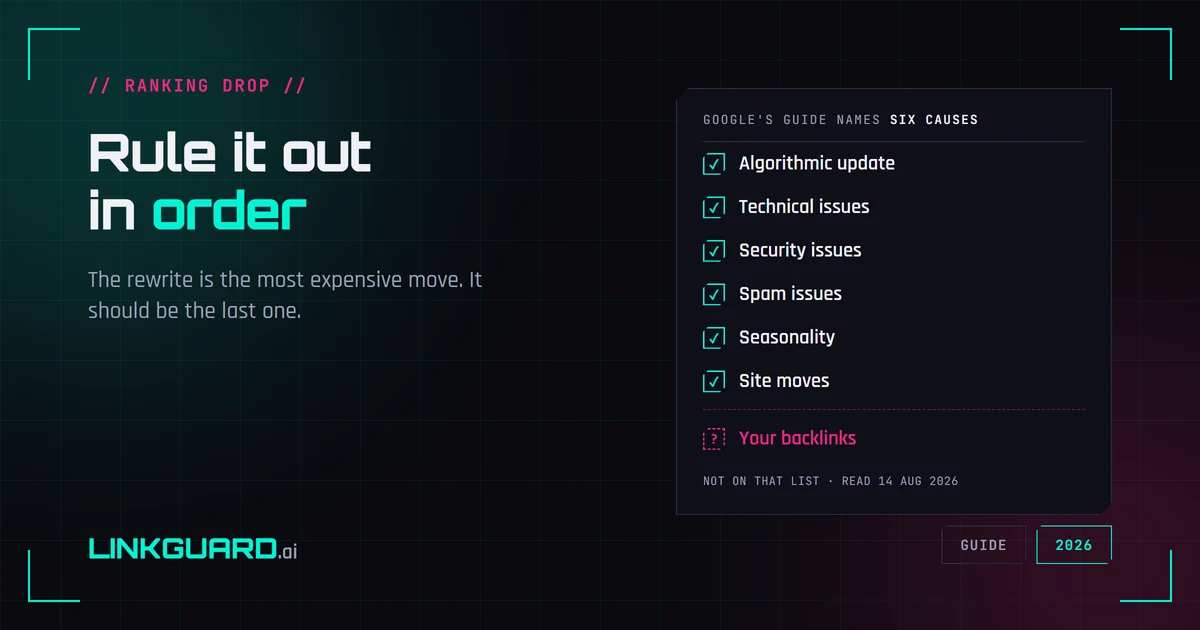
Google publishes a guide to debugging drops in Search traffic. Six causes, each with a report to check. I read it again on 14 August 2026 looking for one word, and it isn't there: backlinks. Not as a cause, not as a check, not as a footnote.
That matters, because that guide is the one you'd naturally reach for. A ranking slides, you work down the list, the list runs out, and you're left holding the only thing you control: the copy.
So you open the page and start rewriting. Most expensive move available, and almost never the right first one.
Work in elimination order: confirm the drop is real, then check whether the results page changed shape, then the technical layer, then whether it was an update, then the manual actions report — and only then the links pointing at the page. The rewrite comes last, if it comes at all.
That last box is the one nobody opens, and there's a reason for it worth looking at first.
Start with Google's own list, then notice what isn't on it
The page is Debugging drops in Google Search traffic, last updated 10 December 2025. Under "Main causes for drops in organic Search traffic" it names six.
| Cause, in Google's wording | Where you'd see it |
|---|---|
| Algorithmic update — Google "is always improving how it assesses content and updating its search ranking and serving algorithms accordingly" | Broad, dated, hits many pages at once |
| Technical issues — errors "that can prevent Google from crawling, indexing, or serving your pages" | Crawl stats, Page indexing, URL Inspection |
| Security issues — malware or phishing, where "Google may alert users before they reach your site" | Security Issues report |
| Spam issues — practices violating the spam policies | Manual actions report |
| Seasonality and changing interests — "changes in user behavior" | The 16-month view, and your industry's trend |
| Site moves and migrations — URL changes causing "ranking fluctuations while Google recrawls and reindexes" | Your own deploy log |
Six causes, six reports, and no seventh row for the links pointing at the page.
I don't think that's an oversight, and I'd rather not pretend it's a scandal. The guide documents what Google can see and tell you about from its own side of the glass: its index, its algorithms, its reports. What happened last month on somebody else's website, to a paragraph containing your link, isn't Google's to report. It's yours to watch. Which is exactly why the box stays shut — the guide you'd naturally reach for doesn't tell you to open it.
Step zero: is the drop even real?
More drops than people expect turn out to be arithmetic.
Search Console's average position is an average, and Google says so plainly — any specific searcher's position may differ from it. A move from 7.1 to 9.8 can mean you lost ground everywhere. Or that you held 7 and picked up a batch of impressions from a country where you sit at 30. Same number, opposite stories.
So before anything else, check whether impressions moved with position or against it, and whether the pattern is one query or all of them. Why one keyword returns three different position numbers has the arithmetic.
One caveat if you're comparing against history: Google logged impressions inaccurately from 13 May 2025 to 27 April 2026, which took CTR and average position with it. Check the window before you draw a line through it.
Did the page change, or did the results page?
This one has been quietly generating false alarms for a year.
Run the query and look at the page — not at a number describing the page. If an AI Overview has started appearing above you, everything below it shifted down a slot: Google counts the whole box as one position and hands that same number to every link inside it. Your page didn't move, the furniture did. The documentation behind that is worth reading once. You can also check whether a keyword triggers an AI Overview before you assume anything.
And Google is still redesigning that surface. In a post for website owners on 3 June 2026 it wrote that it had "increased the number of inline links directly within responses and added helpful website previews", and that "looking ahead, we're continuing to experiment with a range of new link designs in our AI experiences". A surface under active redesign keeps producing position changes you didn't cause.
The technical layer, in four checks
Fastest to clear, so clear it early.
- Run the URL through URL Inspection and confirm Google has the version you think it has.
- Check Page indexing for the pattern — one URL, or a whole section.
- Check Crawl stats for a server wobble around the date.
- If a template shipped that week, diff it.
Most of the time this comes back clean in five minutes and you've bought certainty cheaply. Occasionally it comes back with a noindex somebody added to a staging template that made it to production, and you're done investigating.
Was it an update, or was it you?
Google's guide is more useful here than its reputation suggests, because it tells you how to separate the two by pattern rather than by feel. Its own section headings are the method: "Change the date range to include 16 months", "Compare the drop period to a similar period", "Analyze different search types separately", "Look for patterns in the pages affected", and "Investigate overall trends in your industry".
The shape gives it away. An update hits a lot of pages on one date and usually shows up across your whole category, not just your site. A single page sliding while its neighbors hold steady is not an update, however tempting the timing. And the guide's own distinction between a small drop in position and a large one is worth respecting: Google's own examples are a slide from position 2 to 4 and a fall out of the top 10 to position 29 — different events with different explanations.
Thirty seconds in the manual actions report
People skip this because manual actions feel like something that happens to other sites. It costs half a minute.
If there is one, Google tells you: notifications appear "in the Manual actions report and in the Search Console message center", and "if a site has a manual action, some or all of that site will not be shown in Google search results". The one to look for here is Unnatural links to your site, which Google describes as having "detected a pattern of unnatural, artificial, deceptive, or manipulative links pointing to your site". If you've been buying links at volume, that's the report that tells you Google noticed.
Empty report? Good. That's a whole branch of the investigation closed, and now the interesting part.
The box nobody opens: what Search Console can't tell you
So: the number is real, the SERP looks the same, the page is indexed and healthy, no update lines up, no manual action. The page is the same page it was in June, and it ranks worse. Meanwhile every link you paid for is still in the spreadsheet, still counted as an asset, because none of the last five checks looked at them.
So look at what's pointing at it. Removal is the loud one: a 404 anyone can see. The other three are silent. A plugin migration rewrites outbound links and your dofollow quietly becomes rel="nofollow". An editor tightens a sentence and your anchor text stops saying what you paid for it to say. The donor page drops out of Google's index and passes nothing, though the page itself looks fine. Those are the four states worth re-checking on a link you paid for, and only the first leaves a trace.
Search Console can't answer this question for you either. Google's Links report documentation says three things that together close the door. It "isn't a comprehensive list of every link on your site" but "a sample". It "includes links that Google has found over time" which "may have since been removed". And it "doesn't specify if a link is marked as nofollow". A sample, mixing live links with dead ones, with the follow status stripped out. That's not a diagnostic instrument, and it isn't trying to be — what the report is genuinely good for is a different question with a better answer.
Nor will Google tell you how long any of it takes to register. I looked for a documented timeframe (how long after a link disappears before it stops counting, how long a recrawl takes to reflect it) and there isn't one. So I'm not going to give you a number. Anyone who does is guessing.
Two more places where what people repeat runs ahead of what Google documents. Google's page on qualifying outbound links, last updated 10 December 2025, says links carrying nofollow, sponsored or ugc "will generally not be followed" — note generally, and note that the "hints" framing — which was Google's own, from its September 2019 nofollow announcement — hasn't survived onto the current page. And Google's spam policies, updated 15 May 2026, list buying links for ranking purposes as link spam, but never say what happens to the links themselves — only that "sites that violate our policies may rank lower in results or not appear in results at all". Whether a bought link is discounted, ignored, or held against you is not documented. Treat anyone who states it confidently with suspicion, including me.
What you can actually establish
Not causation. You will almost never prove that this link caused that position. Correlation with a date is what's available, and it's more than most people have.
What makes the date usable is having a baseline — a record of what each link looked like when it went live, and a record of what changed since. Without that, a lost link is invisible; there's no earlier state to compare against, and the page simply ranks worse for no reason you can name. If you've never taken one, a backlink health snapshot over the list you already have is the cheapest version of it, and where it sits in the wider job of managing a link profile is a longer conversation. With it, the investigation that would have been a week of guessing becomes a sorted list of what changed and when.
LinkGuard's whole scope is that baseline: it records what each link was on the day it went live, and tells you the day that stops being true. It won't tell you why Google moved you. It will tell you what changed on the way in, which is the half that isn't in Search Console.
Questions people ask
Why did my ranking drop when I didn't change anything?
Because most of the things that move a position aren't on your page. A link pointing at it can have been removed, switched to nofollow, had its anchor rewritten, or landed on a donor page that fell out of Google's index — and none of those notify you. Google can ship an update. Interest in the query can fall. The results page itself can gain an element and push you down a slot. Work through those before rewriting, because the rewrite is the most expensive move and the least likely to be the fix.
Does losing a backlink cause a ranking drop?
It can, and the honest answer is that you'll rarely prove it in a specific case. What you can do is line the dates up: if a page slid in the same week two of its referring links went dead, that's a stronger explanation than an unnamed algorithm update. Google doesn't publish anything that would let you confirm it, which is why a baseline record of your own links matters more than any tool's certainty.
How long after a backlink is removed does it affect rankings?
Google doesn't document a timeframe. It depends on how often the donor page is recrawled, which Google doesn't publish either. The practical implication is that the effect and the cause can be weeks apart, which is precisely why people fail to connect them.
What does Google say causes ranking drops?
Its debugging guide names six: an algorithmic update, technical issues, security issues, spam issues, seasonality and changing interests, and site moves or migrations. Each one maps to a report you can open. Backlinks are not on that list, and the word doesn't appear anywhere in the guide — which is a boundary rather than an omission: the guide covers what Google can see and report from its own systems. Your links live on other people's websites, and watching them is your job.
How do I tell a core update from a problem I caused?
By shape. An update lands on a date and takes a whole category with it, so check whether your competitors moved too. If they held steady, stop blaming the update. Google's guide tells you to look for patterns in the pages affected and to check trends across your industry for exactly this reason.
Why can't I use the GSC Links report to date a lost link?
Because it has no dates in it and no state. Google documents the report as a sample rather than a complete list, says it includes links found over time that may since have been removed, and states it doesn't mark nofollow. So you get an incomplete pile mixing live and dead links with the follow status missing — fine for a rough read of your profile, useless for establishing that a specific link died in a specific week, which is the only thing that would connect it to a ranking drop.
Save the rewrite for last
The instinct to open the page and start editing is the expensive instinct. Of the six causes Google names, only one points anywhere near your copy, and even that one usually lands on a whole category rather than a single page. The rest are technical, seasonal, or your own deploy history. And the cause that isn't on Google's list at all is sitting on somebody else's website, where nobody's looking.
Rule things out in the order that costs least. And keep a record of what your links looked like when they were working, because the cheapest investigation is the one where the answer is already written down.
About the Author

Related Articles

Link juice and link equity: what actually passes through a link
Google's documentation says PageRank is still part of its core ranking systems. The arithmetic everyone teaches for it was last restated by a Google employee in 2009, inside his own disclaimer. Both of those are on the record.
Why your SERP position is three different numbers
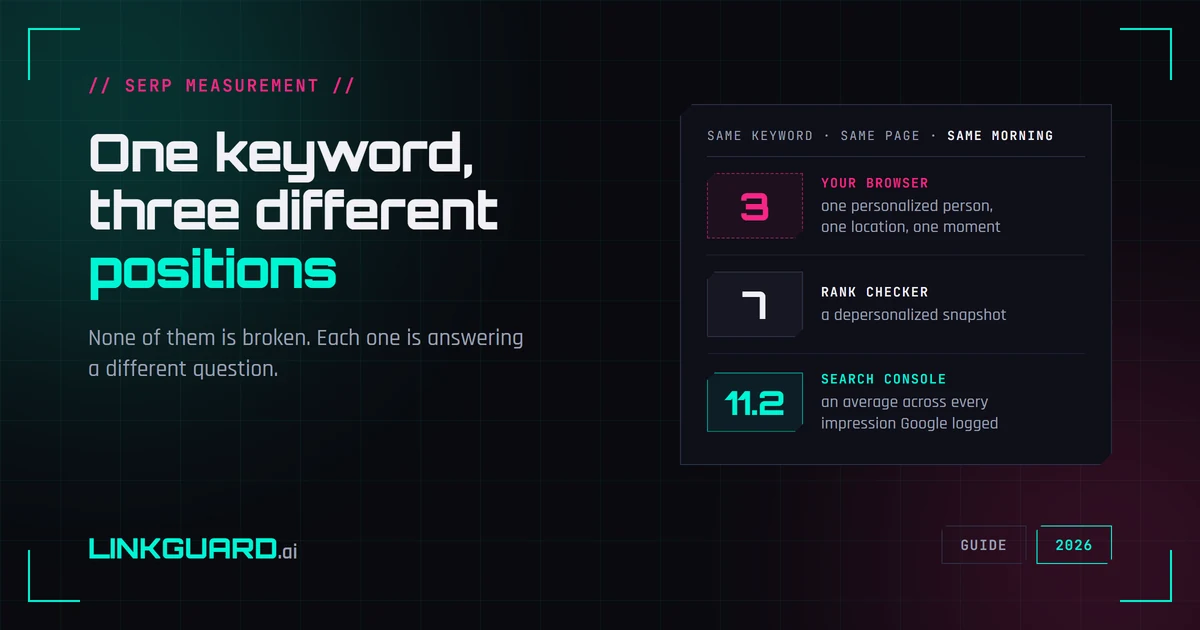
Your browser puts you third. Your rank tracker says seven. Search Console says 11.2. Same keyword, same page, same morning — and none of the three is broken. They answer different questions, and Google documents most of the difference itself. What each number measures, two things I checked live this week that contradict the standard advice, and the one figure worth putting in a client report.
How to read Ahrefs metrics: which numbers are counted, which are guessed
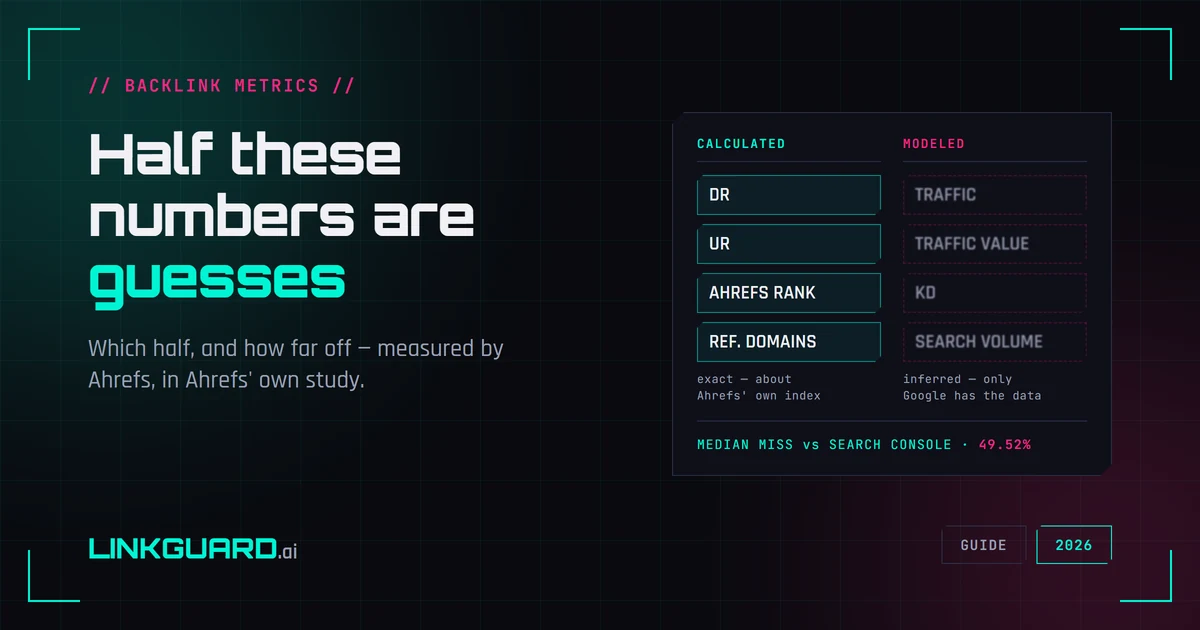
DR, UR, organic traffic, traffic value, KD. They sit in identical gray boxes and look equally authoritative, but half of them are calculations over Ahrefs' own index and half are models of data only Google has. Ahrefs published the error bar on the second half itself: a median deviation of 49.52% against Search Console.