
Google Analytics 4 has no backlink report. Not hidden behind a setting, not renamed in a redesign — nothing in the product lists the links pointing at your site. Connecting Search Console to the property doesn't add one either: that integration brings across queries and Google organic search traffic. No link data.
What you get instead is the Traffic acquisition report, which counts referral sessions: visits that arrived from another site. It tells you which links somebody clicked. It doesn't tell you which links exist. Three tools, three different sets: Analytics knows the clicked ones, Search Console knows a sample of the ones Google found, a crawler index knows the ones it has crawled. None is a superset of the others.
The click path is first. Then the harder half: why a live, followed link can send real traffic and still show the wrong URL, or no row at all. The absent row is the villain of this page: it looks like information, and it is only silence.
Where are backlinks in Google Analytics 4?
They aren't. Referral sessions are. Here's the current path, from Google's own documentation for the Traffic acquisition report:
- In the left menu, open Reports.
- Go to Acquisition → Traffic acquisition.
- The table opens on Session default channel grouping. Referral is one of
those channels, and Google's rule for it is
Medium is one of ("referral", "app", or "link"). - To see domains rather than channels, open the dimension picker in the table's top-left cell and switch to Session source / medium.
- Type
referralinto the search box above the table.
What's left is a list of domains, each with a session count. That's the whole of it - there is no second screen.
If you went looking for Acquisition → All Traffic → Referrals and couldn't find it, you aren't losing your mind. That menu belonged to Universal Analytics, which stopped processing data for standard properties on 1 July 2023. from the week of 1 July 2024, Google's sunset notice says, "you will not have access to any current or historical Universal Analytics data". The report didn't move. It was replaced by a vaguer one.
A forum thread cools off, the referring-domains list gets shorter, and somebody asks why you lost backlinks. Nothing was lost. The rest of this page is why.
A referral session is not a backlink
A backlink is an <a href> element sitting in somebody else's HTML. It's a
fact about a page, and it stays true whether or not a single person ever sees it.
A referral session is an attribution. Google defines Session source / medium as "the source and medium associated with a new session", so the thing being counted is a visit, and the referring site is a label stuck onto it. Nothing in that definition is about links.
The counts don't line up in either direction. Six links from one publisher are six backlinks and one row; one link sending four hundred people is one backlink and four hundred sessions. On the link-data side, referring domains and backlinks are not the same count either.
| A backlink | A referral session | |
|---|---|---|
| What it is | An <a href> in another site's HTML |
A visit that Analytics labels with a source |
| Where it lives | On the donor page | In your Analytics property |
| Who can see it | Anyone who opens the page | Anyone with access to that property |
| What proves it | Fetching the page and reading the HTML | Somebody clicking |
| What makes it go away | The publisher removing it | Nobody clicking — removal included |
The last row is the reason this article exists. A link nobody clicked and a link somebody deleted produce exactly the same thing in Analytics: no row. There is no state in GA4 that means "this link used to be here and isn't now". GA4 never knew the link was there. It only ever knew about clicks.
Can you see the exact page a link sits on?
This is the question everyone asks second, usually in a slightly irritated tone, because the
report says blog.example.com / referral and the link is on
blog.example.com/posts/best-crm-2026. Which page carries the link is the thing you
negotiated for. Don't reach for UTM parameters: you don't control the linking page, and in most
cases you never will. The answer has two halves, and the first isn't about Analytics at all.
Why GA4 shows the domain and not the article URL
The browser removed the path before the request ever reached your site.
Browsers apply a referrer policy to outgoing navigations. Since a revision to the WHATWG Fetch
specification in November 2020 the default has been
strict-origin-when-cross-origin;
MDN
records that "previously the default was no-referrer-when-downgrade". Chrome shipped
it in 2020 with
a
worked example: a click originating on
https://site-one.example/stuff/detail?tag=red sends
https://site-one.example/ and nothing more.
So the path, the query string and the fragment are gone at the browser, one hop before Google
Analytics is involved. Two rules travel with it. A click from an HTTPS page to an HTTP
page sends no referrer whatsoever, which is why a site still on HTTP loses referral data
wholesale. And a link carrying rel="noreferrer" sends none either — the
WHATWG
HTML specification says "no Referer header will be included", and that the
keyword "has the same effect as noopener".

One caveat, because this gets overstated. It's a default, not a law — a publisher can set a
looser policy, and unsafe-url exists. So: for most links the path is gone before
Analytics sees it. That is not the same as never.
The dimension that holds the referring URL
It does have a name. Google's dimensions and metrics reference lists Page referrer and defines it as "the referring URL, which is the user's previous URL and can be your website's domain or other domains".
Where you can use it is murkier than the guides admit. Guides commonly say that Page referrer is native to Explorations and missing from standard reports
unless you register it as a custom dimension. Google's own documentation doesn't say that, and we
can't settle it by opening the product: linkguard.ai runs a different analytics package, so every
path on this page comes from Google's current documentation rather than a screenshot we took.
Check the dimension picker inside an exploration before you build on top of it.
Registering it as a custom dimension costs one of a standard property's 50 event-scoped slots. On timing, Google says only that "after 24-48 hours, you can start to report on … the custom dimension". It doesn't state whether the dimension covers events collected before you registered it. Plan for the possibility that it doesn't.
And explorations carry a ceiling standard reports don't. Google's data retention setting caps how far back you can look: 2 or 14 months on a standard property, with expired data "deleted automatically on a monthly basis". It "does not affect standard aggregated reports… [it] only affects explorations and funnel reports." The plain referral list outlives the exploration you built to improve on it. Read which value your property uses rather than assuming; Google's documentation doesn't name one.
Why some backlinks never appear in Google Analytics
Assume the link is real, live, followed and on a page that gets traffic. Six ordinary things can still keep it out of your referral list, and only one of them - your own site still on HTTP - means something is actually broken. From inside the report they look identical: a gap where you expected a row.
| Why it's invisible | What GA4 shows | How to settle it |
|---|---|---|
| Nobody clicked it | No row at all | Fetch the donor page and read the HTML |
| The referrer was cut back to the origin | The domain, never the article URL | Nothing to fix — that's the browser default |
The link carries rel="noreferrer" |
(direct) / (none) |
Read the link's own HTML on the donor page |
| Donor page is HTTPS, your page is HTTP | (direct) / (none) |
Serve your site over HTTPS |
| The click came from an app, an email client, a PDF or a chat window | (direct) / (none), or a different channel |
Compare against whatever the donor reports to you |
| The tag never fired — blocked, or consent declined | No row, or a modeled one | Check which consent mode your banner uses |
That last row deserves more than a cell, because it changes what your number means. Google's consent mode comes in two shapes that fail differently. In the basic implementation, "Google tags [are] blocked until consent is granted" — somebody declines, nothing is sent, and the visit never happened as far as your reports go. In the advanced implementation tags load before the banner appears and, when analytics storage is denied, "cookieless pings will be sent to Google Analytics for future measurement" and used "for behavioral and conversion modeling". Either way, the referral count isn't a clean tally of clicks. One is short; the other is partly estimated.
Dark traffic is the same hole from another side. A newsletter, a shared PDF, a Slack message,
an app's in-app browser: the click is real and the referrer is absent, so the session lands in
(direct) / (none). That bucket skews toward your best placements — a link somebody
thought worth forwarding to a colleague is exactly the one that arrives unlabeled.
One slice of that is no longer entirely lost. Google's default channel group now carries an AI Assistant channel, "the channel by which users arrive at your site from sources like ChatGPT, Gemini, Deepseek, Copilot, or Grok", explicitly excluding "Google's AI Overviews and AI Mode" — so this channel is assistants, not the AI box at the top of Google's results. A view built last year that treats everything outside organic and referral as noise is now hiding a category worth looking at.
Then a seventh thing, which is a ceiling rather than a cause. An (other) row is
Google saying it ran out of room. (other) is "the value Analytics uses for an
aggregated row due to cardinality limits", and dimensions with more than 500 unique values in one
day count as
high
cardinality. A long tail of referring domains can end up folded into that one anonymous
line.
Why payment processors and your own domain show up as referrals
Somebody goes off to Stripe or PayPal to pay, comes back, and the return trip starts a fresh session with the processor as its source. Nobody linked to you at all. It looks exactly like a link you earned, which is why it gets reported as one.
The same shape produces self-referrals when a visitor crosses between your own domains and subdomains. GA4 handles much of that itself —
Google
says "By default, Analytics doesn't measure the source / medium as a new referrer if the traffic is
self-referring rather than a no-referrer." The processor case you configure by hand: Admin → Data
streams → Web → select the stream → Configure tag settings → Show all → List unwanted
referrals, then enter the domain identifiers with a match type and save. Cap of 50 per
data stream, and underneath Analytics appends ignore_referrer=true to the affected
events.
Two things it won't do. It isn't retroactive, so rows you already have stay as they are. And returning users keep their previously attributed source under last-non-direct-click, so the exclusion doesn't tidy them up on the next visit either. Worth checking that list before you screenshot a jump in referral traffic for a client. A payment gateway in the report is not a new backlink.
Google Analytics or Search Console for backlinks?
Different questions, different tools. Most of the frustration in this area comes from asking one of them the other one's question.
| The question you're actually asking | Where the answer is |
|---|---|
| Who links to my site? | Search Console's Links report, or a crawler index. Not Analytics. |
| Did anyone actually click that link? | GA4 → Traffic acquisition → referral |
| How much traffic did the placement send? | GA4, same report |
| Is the link still on the page? | Neither. Fetch the page. |
| Is it dofollow or nofollow? | Neither. It's in the donor's HTML. |
| Which page on their site is it on? | Usually neither — see the referrer section above. |
| Can I see a competitor's backlinks? | Not in Analytics, which only ever reports on a property you have access to. |
Search Console is the closer fit for the discovery question, with a caveat it states about
itself. The
Links
report is blunt: "this report isn't a comprehensive list of every link on your site. It shows
a sample of internal and external links", results are grouped by root domain, and "the report
doesn't specify if a link is marked as nofollow". It also includes links Google
found at some point that "may have since been removed". The table caps at 1,000 rows. And it
broke
in May 2026, with some sites showing zero links while Google served the previous week's data.
The click-path, and the 1,000-row ceiling, belong to Search Console's Links report. If the question is narrower — one link, one page, right now — check whether one specific backlink is still on the page covers what Google search itself can confirm.
What to do when a backlink stops sending traffic
A domain that sent 40 sessions a month sends 3. You have one number, and it has at least three causes.
The link was removed. Or the donor post lost its own rankings and isn't being read any more.
Or something on the donor's side changed — a referrer policy, a new rel value, a
redirect in front of it — and the clicks still happen, just arriving unlabeled.
Analytics can't separate those three. They produce one identical falling line. Sessions aren't evidence the other way either: traffic can keep arriving after a link is gone, from a newsletter that already went out or somebody's bookmark. And zero sessions is not evidence a placement was never published: the report can't tell you a link failed to go live any more than it can tell you one was removed. Only fetching the donor page and reading the HTML settles it, which is its own small skill — pulling a link list off a page you don't own goes through it. For the rankings branch, check whether Google has stopped indexing the donor page.
- Open the donor page and read the link's HTML. Present or absent, the
rel, the anchor — all three settle in one look. This is the only step that proves anything. - If the link is there, check whether the donor page is still in Google's index. A page nobody can reach sends nobody, and the link is fine.
- If the link is there and the page is indexed, stop reading the falling line as a link signal. It's a referrer artifact or an audience that moved on, and neither is fixed by emailing the publisher.
This is where our own product sits, so here are its edges. LinkGuard monitors links you
already know about. You give it the donor URL, the target, the anchor you expect and the
rel you expect, and it re-checks them on a schedule — telling you when the page
stops containing the link, when the rel changes, when the anchor drifts, when a
redirect appears, and when the target falls out of Google's index. We built it to fetch the page
because a traffic number can't answer the question this section is about. That was the reason for
the product. It does not discover
backlinks. There's no crawler and no link index here, so for "who links to me" you want Search
Console or one of the crawler suites. And it measures nothing about traffic. That stays GA4's
job.
If that's the loop you want, you can watch those links for removal and nofollow swaps, or just check one link right now without an account. The wider case for a monitoring workflow that doesn't depend on clicks is its own article. So is what to do once a link really has gone.
Questions people ask
Can you find backlinks in Google Analytics?
No. GA4 has no backlink report and no list of links pointing at your site. The nearest thing is the referral rows in Traffic acquisition, which cover only the links somebody clicked.
Where is the referral report in GA4?
Reports → Acquisition → Traffic acquisition. Switch the table's dimension from Session default
channel grouping to Session source / medium, then type referral into the search box
above the table.
Am I in GA4 or the old Universal Analytics?
GA4 - everyone is. If the report in front of you is called Traffic acquisition, you're in GA4. Universal Analytics stopped processing data for standard properties on 1 July 2023, and access to the interface and historical data ended from the week of 1 July 2024. A guide pointing you to Acquisition → All Traffic → Referrals is at least three years old.
Is there a Google Analytics backlink checker?
No, and there's no setting that turns one on. A backlink checker needs an index of crawled pages. Analytics only receives data from your own site's tag, so it can't know about a page it never sees a visitor arrive from.
Why does my backlink show zero sessions?
Usually because nobody clicked it, which is the normal state of most links rather than a
fault. Zero sessions is also what a removed link looks like, and a rel="noreferrer"
link, and a link on a page nobody reads. In the report they're indistinguishable. Which is why a
zero is not, on its own, a reason to email the publisher.
Can I see a competitor's backlinks in Google Analytics?
Not in Analytics. It reports only on properties you have access to, so it says nothing about anybody else's site. Competitor link data comes from tools running their own crawler: Ahrefs, Semrush, Majestic.
Can Google Analytics tell me if a link is dofollow or nofollow?
It can't. The rel attribute lives in the donor page's HTML, and GA4 never sees that
HTML, only a browser arriving at your site.
Dofollow or nofollow is settled by reading the
link itself.
Why do links I know exist land in (direct) / (none)?
Because no referrer reached your site. The usual causes: a click from outside a browser (email
client, PDF, app, chat assistant), a rel="noreferrer" link, or an HTTPS page linking
to an HTTP one. The link is fine. The label is missing.
How far back can I look?
Standard reports aren't capped by the retention setting at all - Google says it "does not affect standard aggregated reports" and "only affects explorations and funnel reports". Explorations are capped at the property's setting: 2 or 14 months on a standard property, expired data deleted monthly.
What Analytics is for
GA4 answers one question about a backlink, and it answers it well: did this placement send anybody, and what did they do when they arrived. That's a real question, worth a real report, and for a link-building campaign judged on traffic rather than rankings it's the only honest number in the room.
It does not answer whether the link is still there. It was never built to. The absent row you're staring at means "no clicks" — and no clicks is the ordinary state of most links on most days, including every link that is alive, followed, and doing its job quietly in Google's index where nobody has to touch it.
The absent row is the thing to stop trusting. It looks like information and it is only silence — and a silence you read as a dead link costs you an email to a publisher who did nothing wrong, or a line in a report you can't defend. Read the page instead of the number and you can say what a zero means, and be right. Checking one link takes about as long as opening the report did.
About the Author

Related Articles

How to check a backlink in Google search (we ran all four ways)
link:linkguard.ai returns 73 million results and not one backlink. What the retired operator, a quoted search, the page's own HTML and Search Console each actually prove.
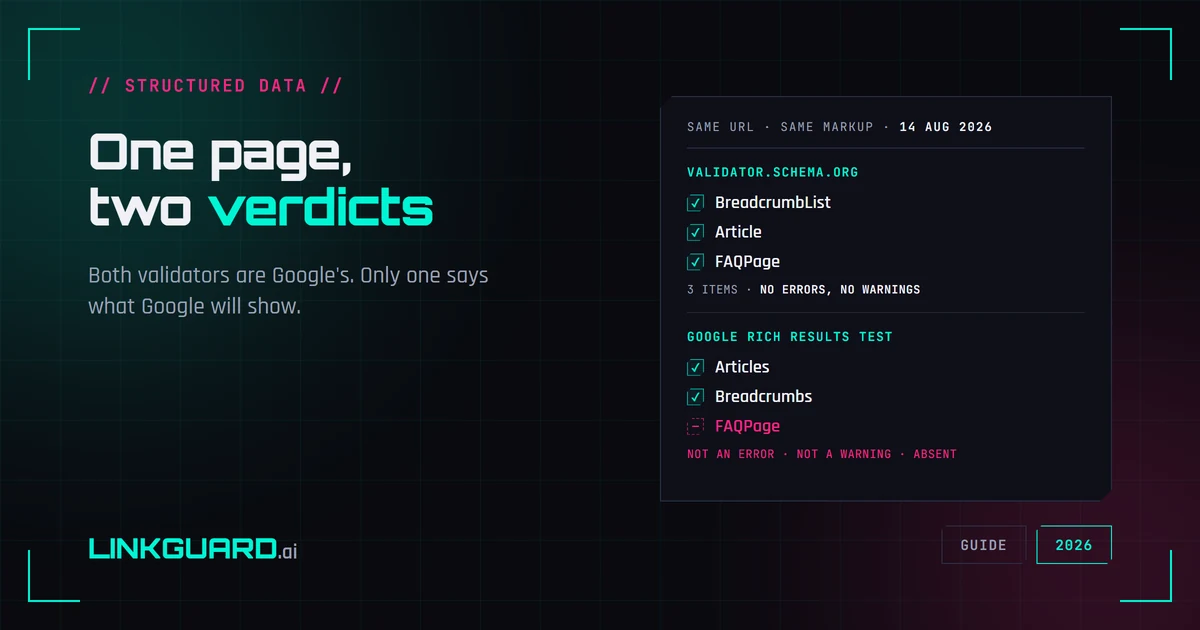
Two schema validators, two verdicts: which one decides your rich result
The same page passes schema.org's validator with three items and no warnings, and Google's Rich Results Test with two. Nothing errored. One item is simply absent. Both tools are Google's, both are right, and only one of them is telling you what Google will actually show. Run on our own page, on 14 August 2026.
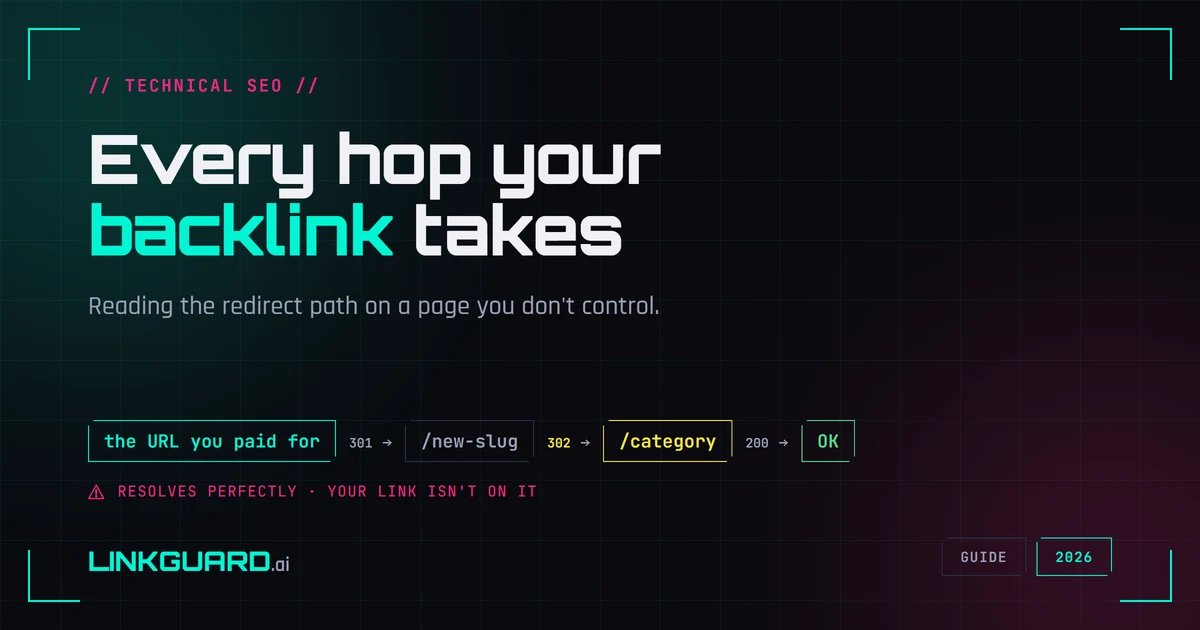
How to trace a redirect chain on a link you don't control
The page loads, your anchor is there, everything looks fine - and that check tells you less than it feels like it does. A bought link can arrive through hops someone else added after your money cleared. How to read the hop path on a link you don't control, and where a plain HTTP trace runs out of road.