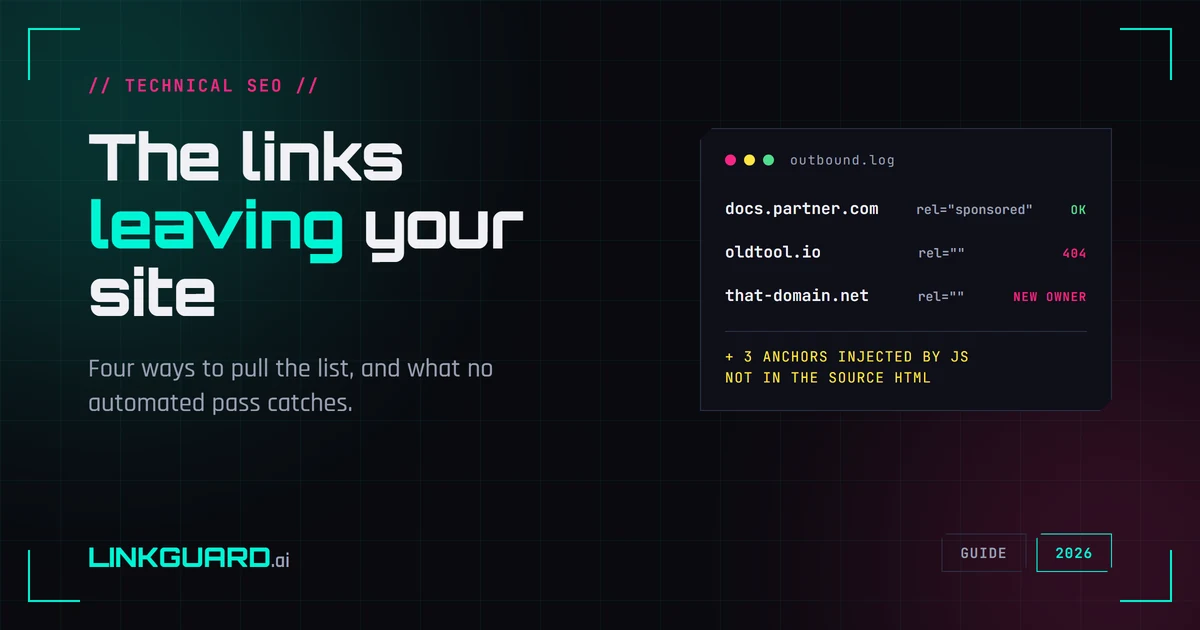
Almost nobody audits their own outbound links — the ones leaving their site for somebody else's. There's no dashboard nagging you about it, no alert when one goes bad, and no obvious moment when it becomes a problem. So the list quietly grows: a resource roundup you wrote in 2023, an author bio with someone's old portfolio, a plugin that injects a "powered by" credit into every footer, an embedded feed pulling in whatever it feels like this week.
Then one of those domains expires, someone else registers it, and your site is recommending a page you have never seen. You didn't do anything wrong. You just never looked. And the first person to notice is usually not you — it's a reader, a client, or whoever is auditing you.
This is how to pull the list and read it. Disclosure: we build one of the tools below, the free outbound links analyzer, and its blind spots get their own section further down because on this job the gaps are the part that matters.
Why your outbound link list is worth an hour
Things go wrong on their own, without anyone touching the page:
Domains change hands. An expired domain gets re-registered, and the tool you recommended is now a casino affiliate. Your editorial endorsement transfers to the new owner along with the URL.
Links rot. The destination 404s, or redirects to a homepage that has nothing to do with what you linked. If you want to sweep for those specifically, that's a broken link checker's job rather than this one.
Paid links lose their rel. A sponsored mention gets migrated, restyled, or copied into a new template, and the rel="sponsored" attribute doesn't come with it. Google is explicit that paid links should be marked, and the marking is your responsibility, not the advertiser's.
And then the category nobody expects: links you didn't write at all. Widgets, comment threads, embeds and themes inject anchors that don't exist in the source you edited, which is exactly why they survive every proofread.
How to pull your outbound link list
In practice you'll use two: a checker to triage, devtools to confirm. The other two are for when it's the whole site rather than a page.
Browser devtools. Open the page and run this in the console:
[...document.querySelectorAll('a[href]')]
  .filter(a => a.hostname !== location.hostname)
That reads the rendered page, so injected links are included, and filtering on hostname keeps your own navigation out of the result. Most accurate method, least scalable: one page at a time, by hand.
A crawler. Screaming Frog, Sitebulb and similar tools will walk the whole site and produce an external-links report. The right tool once you're past a handful of pages.
Search Console's links report. GSC exports the outgoing links from your own pages. Only your own: it's verified-property-only, so it's no help at all on a site you don't control.
An external link checker. Paste a URL, get the outbound links with their anchors and rel values. Fastest for a single page. That's what ours does.
What no automated pass catches, ours included
Every method above except devtools reads the HTML the server sends. That means none of them see links written into the page by JavaScript after it loads. A page can look clean to a checker and carry twenty injected affiliate links in a browser.
Our analyzer has that blind spot too. It fetches raw HTML and parses it; no JavaScript runs. It returns external links only, so internal navigation is filtered out by design, and it stops at 200 distinct link-and-rel combinations per page, flagging the result as truncated past that. On a page with a big footer link block, 200 goes fast.
None of that makes it useless. It makes it triage: get the anchors and rel values in a few seconds, then open devtools on the pages that come back wrong. Any tool that promises every outbound link on any page is quietly assuming nothing on that page waits for JavaScript.
Within those limits it's free and instant — no account, no card, one URL at a time: run a page through the analyzer.
How to read your outbound link list
Start with where each link points, because that's the thing no tool can decide for you. Four outbound links, all topical, is a healthier page than four where one goes to a payday-loan aggregator. Coherence beats count every time, and a destination that made sense in 2023 may not be the same website today.
Then the rel attribute on each one. Anything paid or exchanged should carry rel="sponsored"; anything from users should carry rel="ugc". A nofollow checker will tell you what a given link is currently marked as, and if you want the mechanics of these attributes and what changed in 2019, that's covered in dofollow vs nofollow links.
Last, where the link sits. A link inside a paragraph you wrote means something different from one in a sidebar widget or a footer block. Worth knowing. You find it out by opening the page and looking: our analyzer has no field for a link's position in the document, and neither do most checkers. If someone shows you a tool that sorts links by in-content versus footer, ask how it decides.
How many outbound links is too many?
There is no numeric limit. The number you half-remember is 100, and it stopped being Google's guidance more than a decade ago. It came from an era when Googlebot indexed roughly the first 100 KB of a page, so a long link list risked getting cut off — Matt Cutts explained exactly that on his own blog in 2009. Crawling changed and the guideline was dropped; Cutts said so in a video in November 2013. The wording that replaced it asked for a reasonable number, a few thousand at most, and that sentence is gone too: Google's current Search Essentials carries no link-count guidance at all. We opened it on 2 August 2026 to be sure.
A page stuffed with links can still be treated as spam on its own merits. That's a judgment about the page, not an arithmetic threshold you can stay under.
A documentation page with 300 reference links out to specs and RFCs is fine. A 600-word post with 40 outbound commercial links is not, and it wouldn't become fine at 39.
The same reading, on a page you don't own
Everything above applies when you're sizing up a page you're about to pay for a link on, with one change: you're reading the outbound set as a record of who else the publisher has sold to. Unrelated commercial anchors in three different industries mean your link will sit in that company, next to whoever buys the slot after you. For the full purchase decision, with the other signals that go with it, use the backlink donor evaluation checklist rather than judging on outbound links alone.
Questions people ask
How do I find all the outbound links on a page?
For one page, open devtools and run this in the console:
[...document.querySelectorAll('a[href]')]
  .filter(a => a.hostname !== location.hostname)
That reads the rendered page, so injected links are included, and filtering on hostname keeps your own navigation out of the result. For a whole site, use a crawler like Screaming Frog and export its external links report. A checker is the fastest option for a single URL, with the caveat that it reads server HTML and misses JavaScript-injected links.
Do outbound links hurt SEO?
Linking out is normal and expected; it's part of how the web works and how Google understands what a page is about. What can hurt is linking out to low-quality or unrelated sites at scale, or selling links without marking them. The problem is the pattern and the intent, not the act of linking.
Is there a limit on outbound links per page?
Not a numeric one. Google dropped its old fewer-than-100 guideline in 2013, and its current Search Essentials documentation carries no link-count guidance. Google can still act against a page that looks spammy with an unreasonable number of links, but that's a judgment about the page as a whole rather than a threshold.
Why does the checker show fewer links than my browser?
Two likely reasons. The links you're missing may be added by JavaScript, which a checker reading raw HTML never sees. Or the page has more links than the tool returns: ours caps at 200 per page and marks the result truncated. Check the page in devtools when the numbers disagree.
Should I nofollow all my outbound links?
No. Blanket-nofollowing everything you link to is a well-worn instinct with no upside; it doesn't save you any PageRank and it makes your linking look mechanical. Mark what needs marking, which is paid and user-generated links, and leave editorial links alone.
Start with the pages you'd be embarrassed by
Don't crawl the whole site on a Friday afternoon. Take the five pages that get the most traffic and the five oldest posts that still rank, pull their outbound links, and read where they go. That's an hour, and it's where the expired domains hide. If the hour turns up nothing, that's worth knowing too — set a reminder for six months out, because the list changes without you.
About the Author

Related Articles

How to find backlinks in Google Analytics 4 (it only shows the clicked ones)
GA4 has no backlink report. It counts referral sessions - visits that arrived from a link somebody clicked - so a removed link and an unclicked link produce the same empty row. The current click-path, why the referring URL arrives stripped to a domain, and the six blind spots.

How to check a backlink in Google search (we ran all four ways)
link:linkguard.ai returns 73 million results and not one backlink. What the retired operator, a quoted search, the page's own HTML and Search Console each actually prove.
Two schema validators, two verdicts: which one decides your rich result
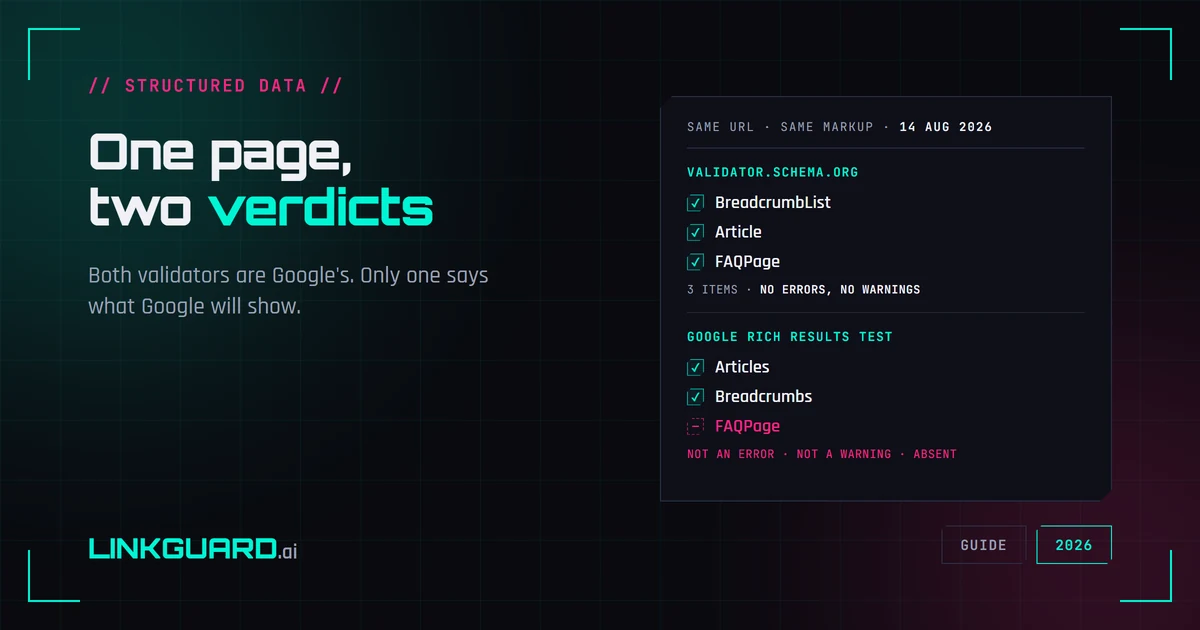
The same page passes schema.org's validator with three items and no warnings, and Google's Rich Results Test with two. Nothing errored. One item is simply absent. Both tools are Google's, both are right, and only one of them is telling you what Google will actually show. Run on our own page, on 14 August 2026.