
Type link:linkguard.ai into Google today and you get about 73,100,000
results. None of them is a backlink, because Google has no search operator that shows who links to you — the one built for it was switched off years ago. The first result is our own homepage. Then an unrelated
company called LinkGuard AI that does link-checking for the D2L Brightspace learning platform, a
Check Point machine-learning engine, a Chrome extension, an Instagram account, an academic paper on
privacy-preserving graph neural networks, and an Android app.
The results page didn't say the operator was retired. It didn't return zero results, or a
warning, or a "did you mean". Google quietly dropped the link: part, searched for the
text linkguard.ai, and handed back seventy-three million confident-looking results to a
question nobody asked.
What replaced that operator isn't a smaller version of the same answer — it's a different answer wearing the same clothes. If you're here because you just paid for a link and want to confirm it landed, that matters to your money, not just to your curiosity.
So here are the four things people try instead. We ran each on 22 August 2026, against a US result page with personalization off. Below is what each one returned, and what it proves, if anything.
What link: returns now, on a big site and a small one
We ran it twice, deliberately on two different domains, because the first objection to a result like ours is "that's just because your site is small".
| Query | Google reported | What the top results actually were |
|---|---|---|
link:ahrefs.com |
About 2,010,000 results | All eight top results were pages on ahrefs.com — their backlink checker, Site Explorer, link-building guide. Plus an AI Overview explaining what Ahrefs is. |
link:linkguard.ai |
About 73,100,000 results | Our homepage, a different company with a similar name, a Check Point blog post, a Chrome extension, an Instagram profile, an ACM paper, a Google Play listing. |
Two domains, two different failure modes, zero backlinks between them. On the large site the
operator collapsed into something close to a site: search. On the small one it collapsed
into a plain text search, and the brand name is common enough that the results are mostly other
people's products.
Both are worse than an error message. An error teaches you something. A page of results teaches you the wrong thing, and it teaches it convincingly — which is how "I checked my backlinks in Google" survives as advice years after it stopped being true. If you ran it and moved on satisfied, you didn't check anything.
The operator that does work, and the question it answers
Stop asking Google for links. Ask it for pages. A quoted search, optionally narrowed
with site:, finds pages whose text contains your domain or your anchor:
"linkguard.ai" -site:linkguard.aiThat returned about 208 results — a believable number, and a useful starting list. Two of them fail in opposite directions.
The one that is a real link
A directory listing on pulsemcp.com came back. We fetched the page and read the
HTML: three separate <a href="https://linkguard.ai"> elements. It's a real, live,
working backlink, and the search found it.
Two of those three carry a rel attribute. One is rel="noopener", the
other rel="noopener noreferrer" — and neither one is a nofollow
signal. Those two are
browser-security attributes, not SEO ones, so seeing rel= on a link tells you nothing
about whether it passes ranking signals.
You can check that against this page. The three internal links in this article — the one below
and the two tool links near the end — are published with rel="noopener noreferrer",
because our sanitizer adds it to every link as a security baseline and reserves
nofollow for external ones. View the source and you'll find the attribute on links we
intend Google to follow.
The one that is not a link at all
The same search returned a page on a Spanish school's website — a taxonomy page carrying an SEO-flavored query string that nobody puts on a primary school by accident:
?detect-and-prevent-google-penalties-with-ai-tools-expert-strategies-for-safe-website-promotionGoogle's index says that page matches the string "linkguard.ai" somewhere in its
text.
We fetched it the same day. The string "linkguard" appears on that page zero times. Not in a link, not in the text, not in an attribute. The mention Google is indexing does not exist on the page any more.
It goes one better. That page's actual <title> today is "Ed Responsable | CEIP
Plurilingüe Manuel Sieiro". The title Google displays for it is "Detect and Prevent Google Penalties
with AI Tools". So the search result is showing a title the page no longer has, above a mention the
page no longer has.
Nothing here is Google's fault — an index is a snapshot, and pages change between crawls. But it's the whole problem in one example. The search result told us a mention existed. The page told us it didn't. The search proved something about Google's memory, not about the live web.
Now put that on a link you paid for. You run the search, you see the donor page listed, you mark it fine, and you move on. The link came out months ago. What you actually recorded was that Google remembers it — and a budget line that bought nothing can sit there for a full quarter before anyone opens the page and finds out. That gap between the index and the page is where paid links go to die quietly.
Three things a text match can never tell you
And Google Analytics can't answer them either: it reports the links somebody clicked, not the links that exist.
Even when the page really does mention you, a search result can't establish the three things that decide whether the link is worth anything:
- Whether it's a link or just words. A quoted search matches text. Your domain
written in plain text, inside a code block, or in a comment nobody linked is an identical match
to a working
<a href>element. - Whether it's followed. The attributes that block ranking credit live in the
HTML, and no SERP snippet exposes them. A paid link quietly switched to
nofollowlooks exactly like the link you bought. - What the anchor says today. Publishers edit. What you negotiated and what's on the page now are two different facts, and search results show you neither.
The check that does work, and takes four seconds
You can answer all three by opening the donor page and reading its HTML. Right-click, view source, then Ctrl+F for your own domain. This is the part every guide skips, because it is not a technique — it is just looking. The whole skill is knowing which three characters decide the outcome, and they are all in the tag wrapping your domain.
What you're looking at when you find it:
- If your domain sits in plain text with no
<atag wrapped around it, there's no link. It's a mention. That's worth something for brand signals and nothing for ranking. - If it sits inside an
<a href>tag, read what's between that tag and its closing</a>— that text is your anchor, exactly as it stands today rather than as it was agreed. - Then read the
relattribute on that same tag, if there is one. Only three values matter there —nofollow,sponsoredandugc— and any of them tells Google not to pass credit. Anything else — including thenoopenerandnoreferrerfrom earlier — is irrelevant to SEO.
One trap worth knowing. If view-source shows nothing but a shell of JavaScript, the page builds its content in the browser and the raw HTML won't contain your link even when the rendered page does. Use the browser's inspector on the live element instead of view-source, since the inspector shows the DOM after scripts have run.
That's the whole method, and it's the only one on this page that answers every question. It's also fine for one link and impossible for two hundred.
Why you can't pull these links automatically
Search Console's Links report is the one free source that reports actual links rather than text matches, because it draws on Google's own crawl of your site. It's the right tool, and we walk through the click-path, the export and the 1,000-row cap in how to check backlinks in Google Search Console.
The Search Console API can't give you those links. We checked Google's own API reference index on 22 August 2026: it lists exactly four resources — Search Analytics, Sitemaps, Sites and URL Inspection. There's no links resource, and there never has been.
So the Links report is a place you visit and export by hand. Any workflow that says "we'll pull backlinks from the Search Console API each morning" is describing something that doesn't exist.
What each method actually proves
| Method | Finds real links? | Shows dofollow/nofollow? | Reflects the page today? |
|---|---|---|---|
The link: operator | ✗ the operator is ignored | ✗ | ✗ |
Quoted search + site: | ✗ only pages that mention you | ✗ | ✗ index snapshot |
| The page's own HTML | ✓ | ✓ | ✓ |
| Search Console Links report | ✓ | ✗ | ✓ with a lag, UI only |
Read down the last two columns and the shape of the problem shows up. Everything Google gives you for free is either about pages rather than links, or about its index rather than the live page. Only one row answers "is my link still there, still followed, still saying what it said", and it's the row with no tool in it.
Questions people ask
Can I see who links to my site using Google search?
No. Google has no operator that returns inbound links, and the one that used to do it,
link:, is now ignored rather than rejected — it returns ordinary text results. The
closest free source that reports real links is the Links report in Search Console.
Does the link: operator still work in Google?
It runs, but not as a link operator. Google drops the prefix and searches the rest as text. As of
22 August 2026, link:ahrefs.com returned about 2,010,000 results, all pages on
ahrefs.com, and link:linkguard.ai returned about 73,100,000, mostly unrelated products
sharing the name. Neither returned a backlink.
How do I check whether one specific backlink is still live?
Open the donor page and read its HTML. Search for your domain, then look at the tag wrapping it:
whether it's an <a href> at all, what the anchor text says, and whether the
rel attribute lists nofollow, sponsored or ugc
among its values. That answers in one look what no search result can tell you.
Why does a site: search find the page but not prove the link?
Because site: matches text in Google's index, and a link is a piece of HTML on a live
page. Those come apart in both directions. We found a page Google still indexes as mentioning
linkguard.ai which, fetched the same day, contained the string zero times.
Does rel="noopener" mean my link is nofollow?
No. noopener and noreferrer are browser-security attributes with no
effect on ranking signals. Only nofollow, sponsored and ugc carry that
instruction to Google. A link can carry rel="noopener noreferrer" and still be
fully followed — every internal link in this article is exactly that.
Can I pull my backlinks from the Search Console API?
No. Google's API reference index lists four resources — Search Analytics, Sitemaps, Sites and URL Inspection. There's no links endpoint. The Links report is a screen you open and export by hand.
A page, a right-click, and one attribute
This question has so many bad answers because the good one is unglamorous. There's no operator.
There's a page, a right-click, and the rel attribute.
Everything else here — the retired operator, the quoted search, even Search Console — is a way of asking Google what it remembers. Only one method asks the page itself, and the page is the thing that changed.
If you're checking one link, close this tab and go read the HTML; you don't need a tool and you shouldn't pay for one. Our free dofollow / nofollow checker and backlink index checker run the same two checks on a single URL without an account, if you'd rather not read markup. Past a few dozen links the arithmetic changes, and that's the gap monitoring fills — the same manual check, run on a schedule, on every link at once, so the quarter where a link died quietly never happens.
About the Author

Related Articles

How to find backlinks in Google Analytics 4 (it only shows the clicked ones)
GA4 has no backlink report. It counts referral sessions - visits that arrived from a link somebody clicked - so a removed link and an unclicked link produce the same empty row. The current click-path, why the referring URL arrives stripped to a domain, and the six blind spots.
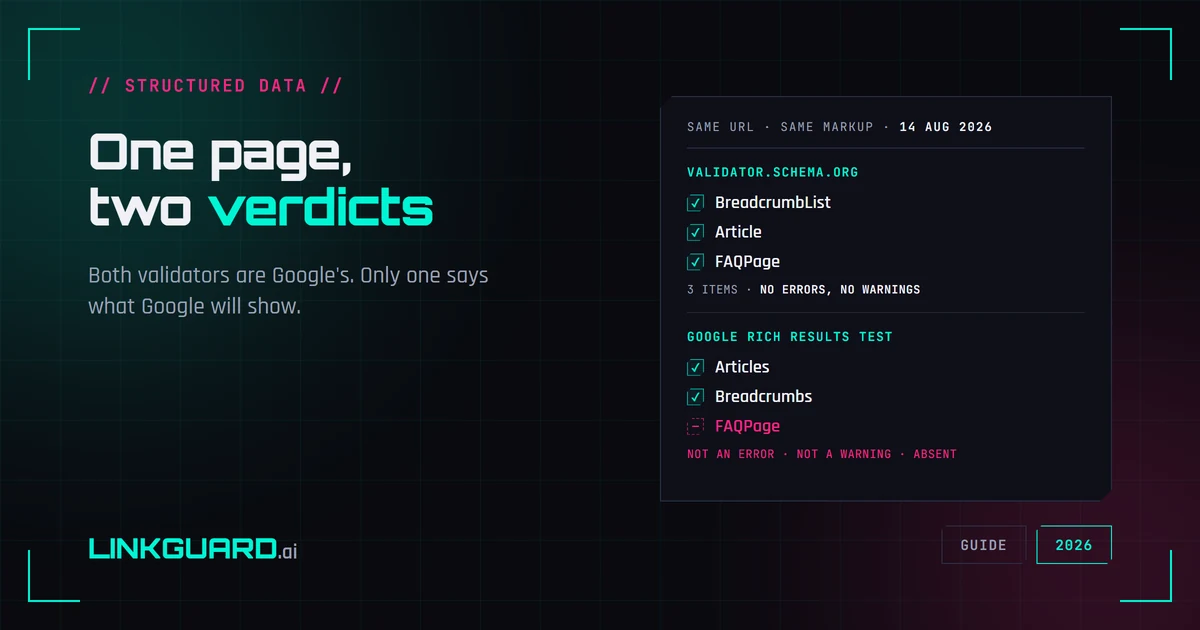
Two schema validators, two verdicts: which one decides your rich result
The same page passes schema.org's validator with three items and no warnings, and Google's Rich Results Test with two. Nothing errored. One item is simply absent. Both tools are Google's, both are right, and only one of them is telling you what Google will actually show. Run on our own page, on 14 August 2026.
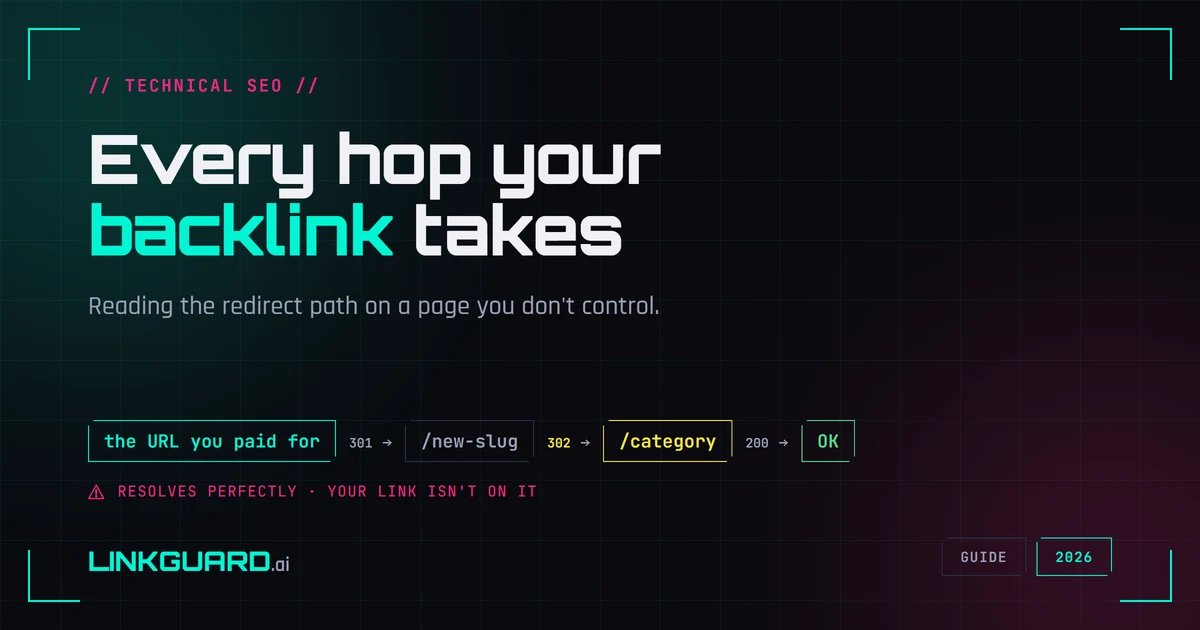
How to trace a redirect chain on a link you don't control
The page loads, your anchor is there, everything looks fine - and that check tells you less than it feels like it does. A bought link can arrive through hops someone else added after your money cleared. How to read the hop path on a link you don't control, and where a plain HTTP trace runs out of road.